 ADMIN
ADMIN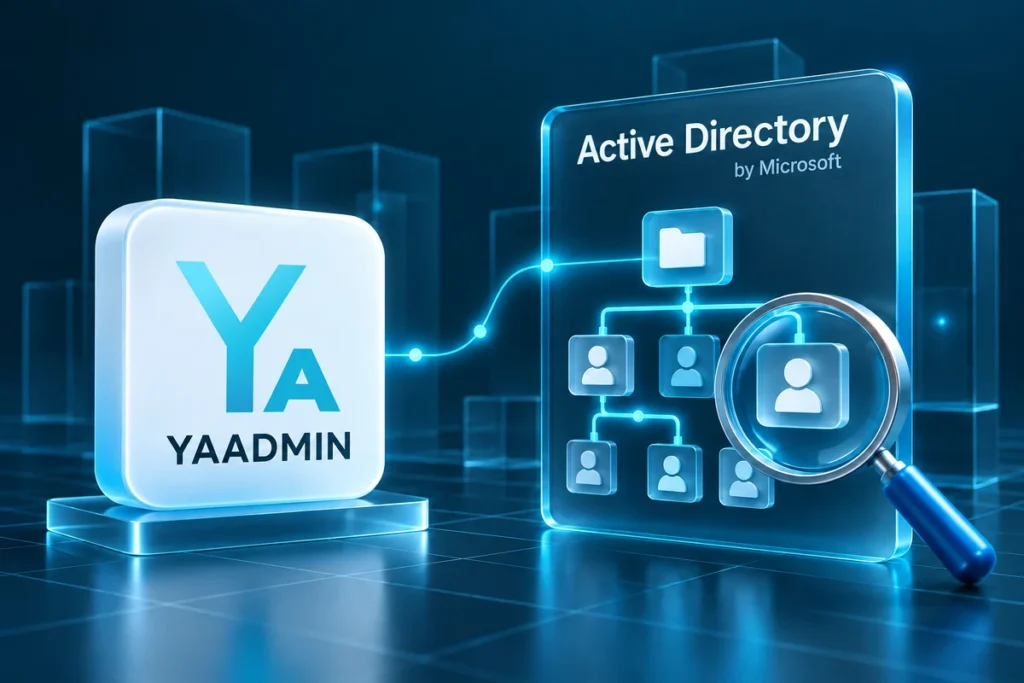
Find the directory information behind a support request#
Active Directory helps you find people, computers and groups in your domain. Ask who to find, which membership to check or which computer details you need, rather than searching several consoles in sequence.
What the module provides#
- Directory search. Inspect users, computers, groups and organisational units in the connected directory.
- Membership checks. Find the groups relevant to an object and the information available for your request.
- Support context. Identify the correct person or device before using another permitted tool.
- Read-only access. The described tools search and inspect directory information; they do not promise password resets or account creation.
Example requests#
“Find this user by surname and show their groups.”
“Find OFFICE-PC-07 and show its available directory details.”
The assistant uses actual directory data and should clarify similar matches. Share the correct record rather than disconnected extracts from several screens.
Before starting#
Prepare a working Active Directory connection, an available directory provider and the user's read permissions. Follow your organisation's personal-data rules. Check package availability separately from the component's status in the catalog.