ADMIN
Find the camera. See what happened. Keep the useful clip.#
When someone asks what happened at an entrance or in a warehouse, you need an answer - not another search through recorder menus. Dahua Video brings your camera list, live views and archive requests into the YAADMIN chat your team already uses.
Less searching, faster answers#
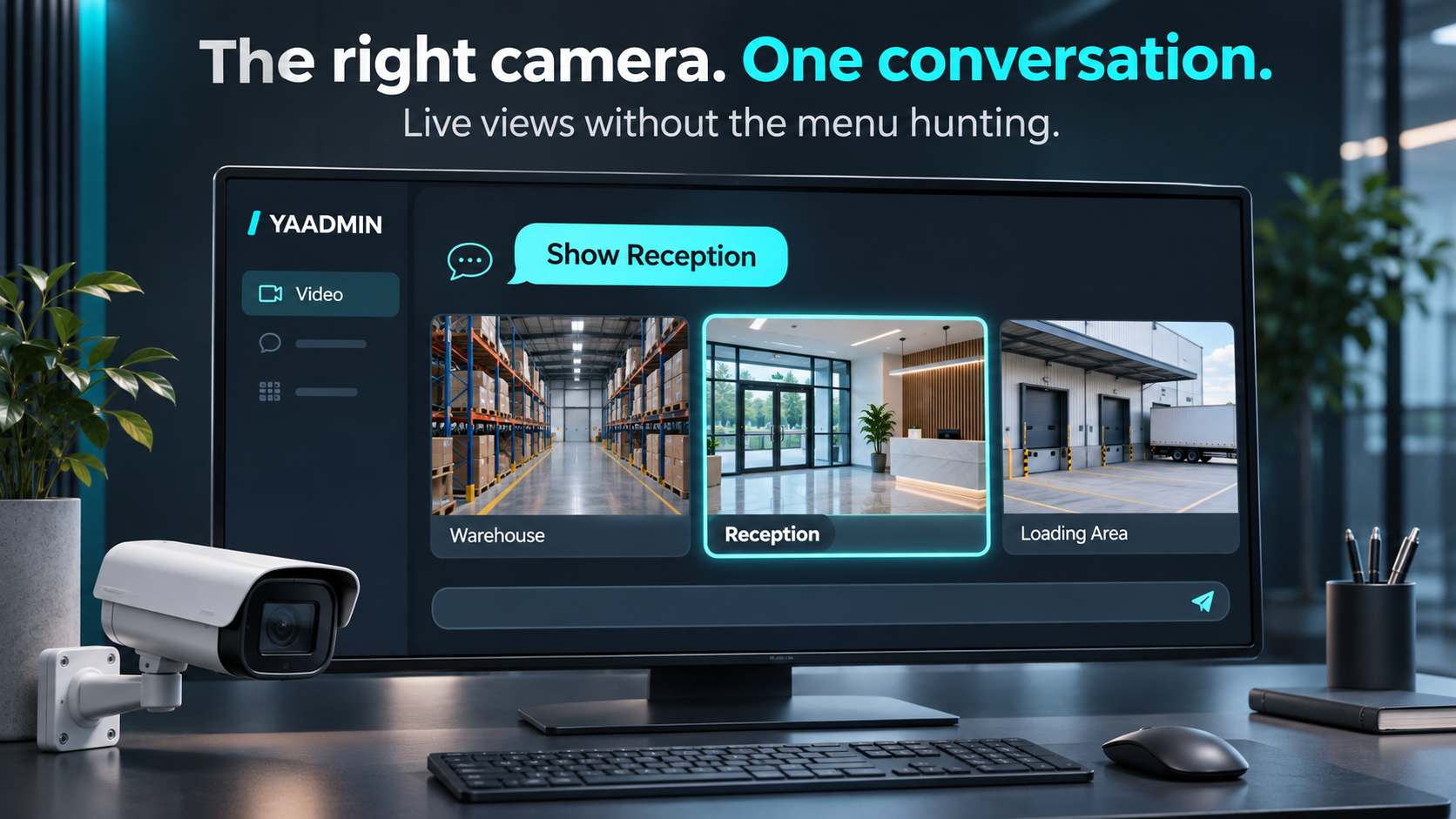
- Open a camera by a name people recognize. Ask for Reception, Entrance or Warehouse. Search also uses saved descriptions, aliases, tags and groups.
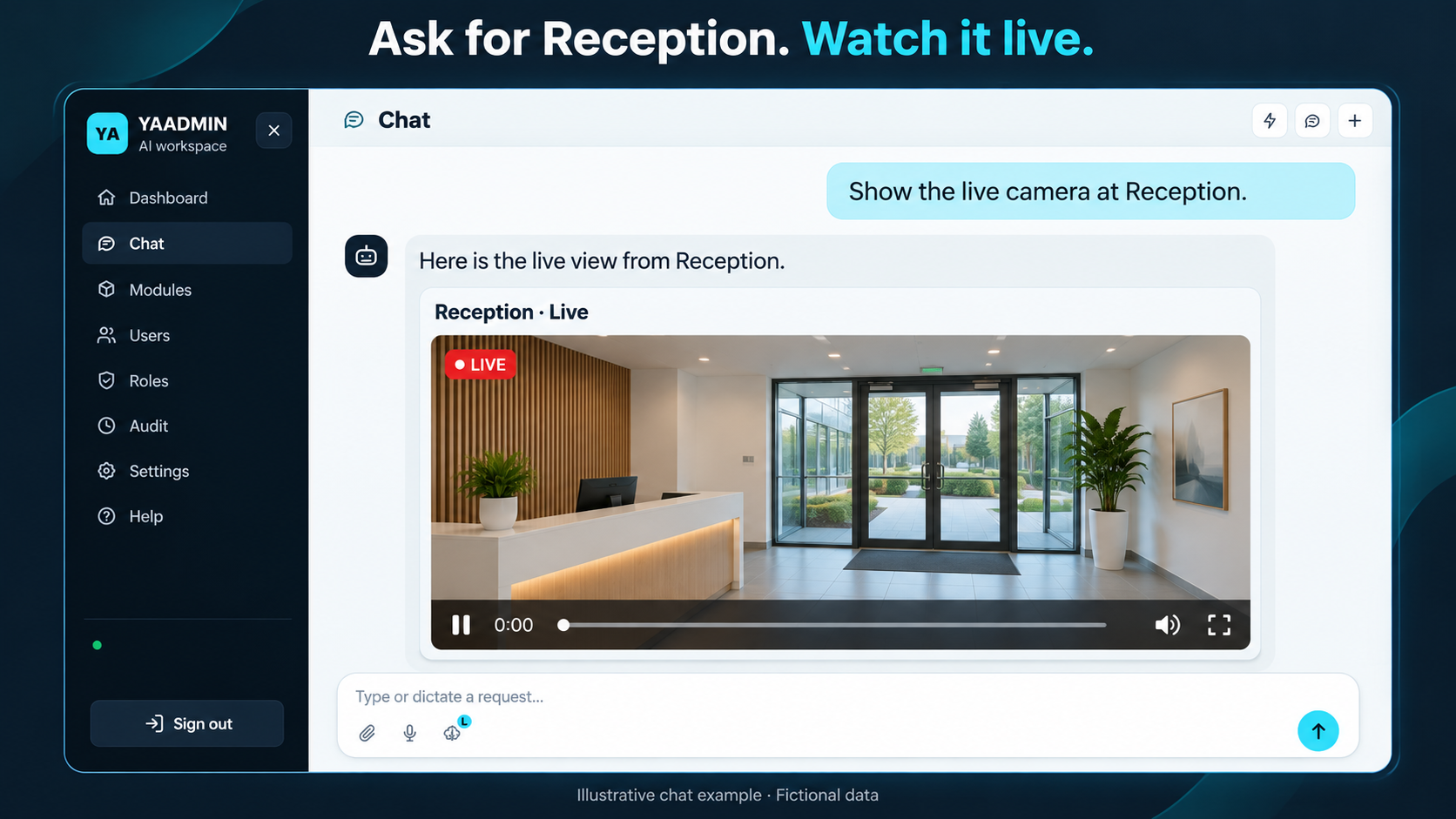
- Watch live video where you are working. Open an ongoing live view in chat and stop it when you are finished.
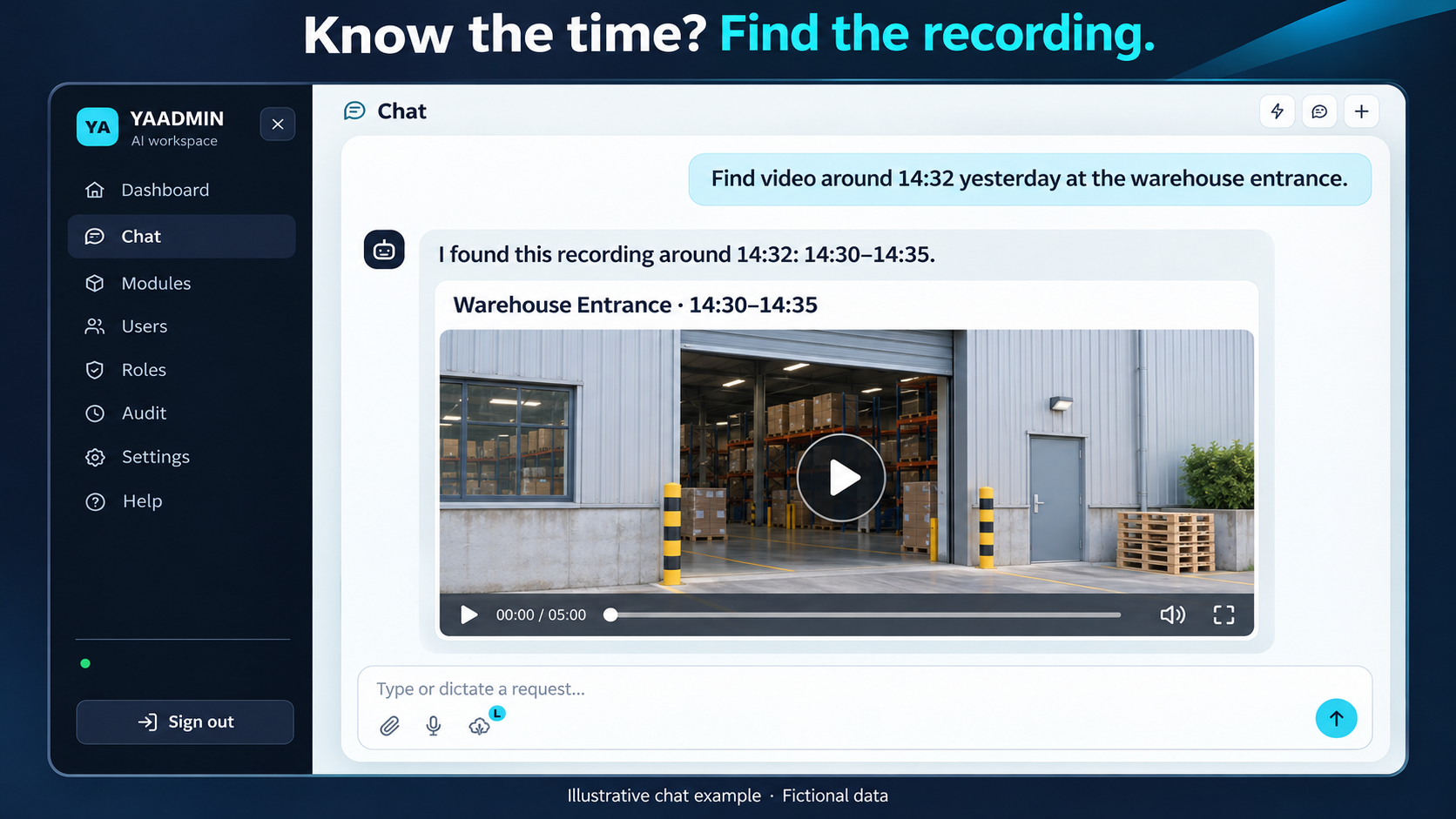
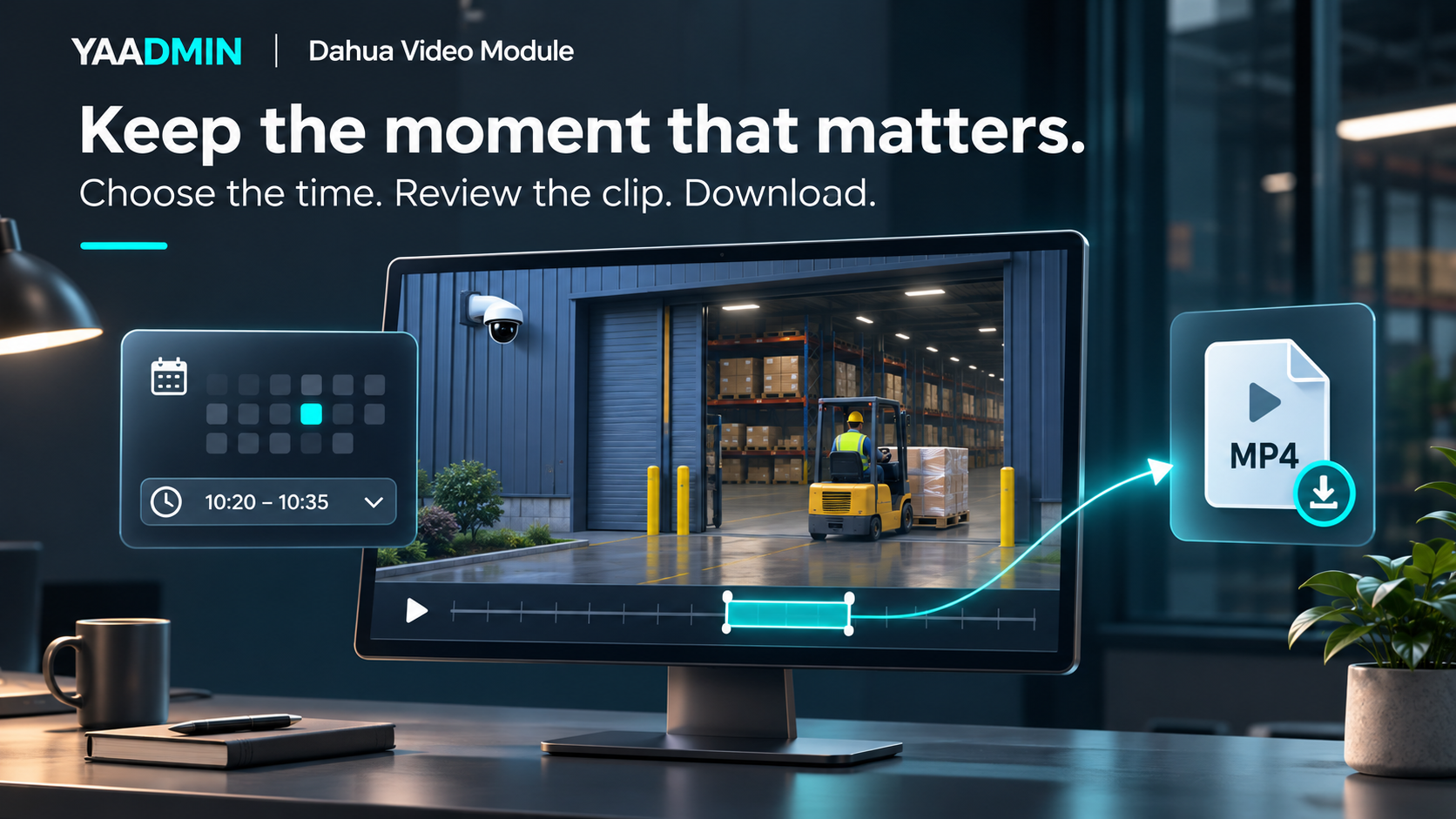
- Review the period you need. Ask for a particular date, a time range or the last few minutes. Search the available recordings before requesting a clip.
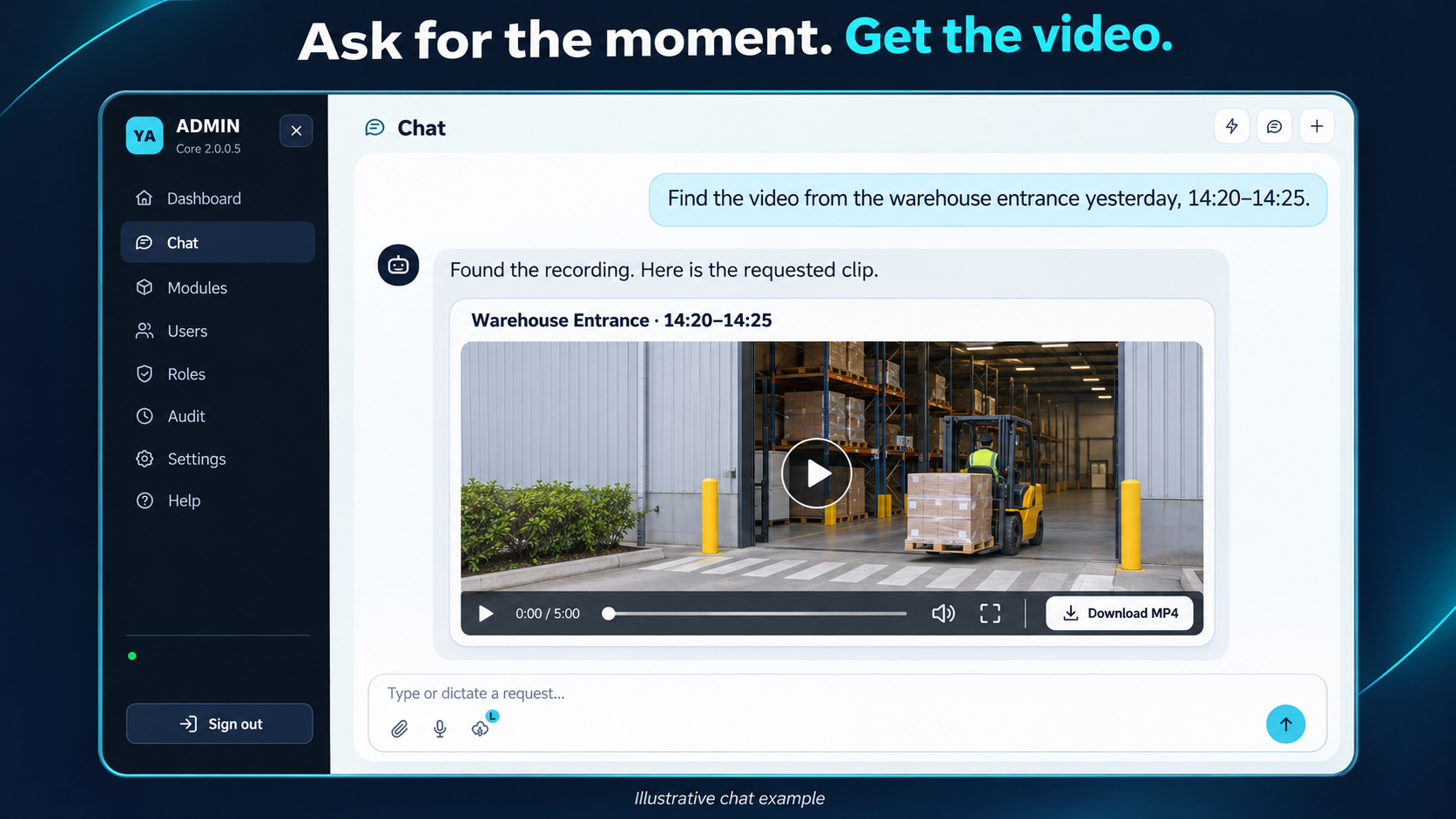
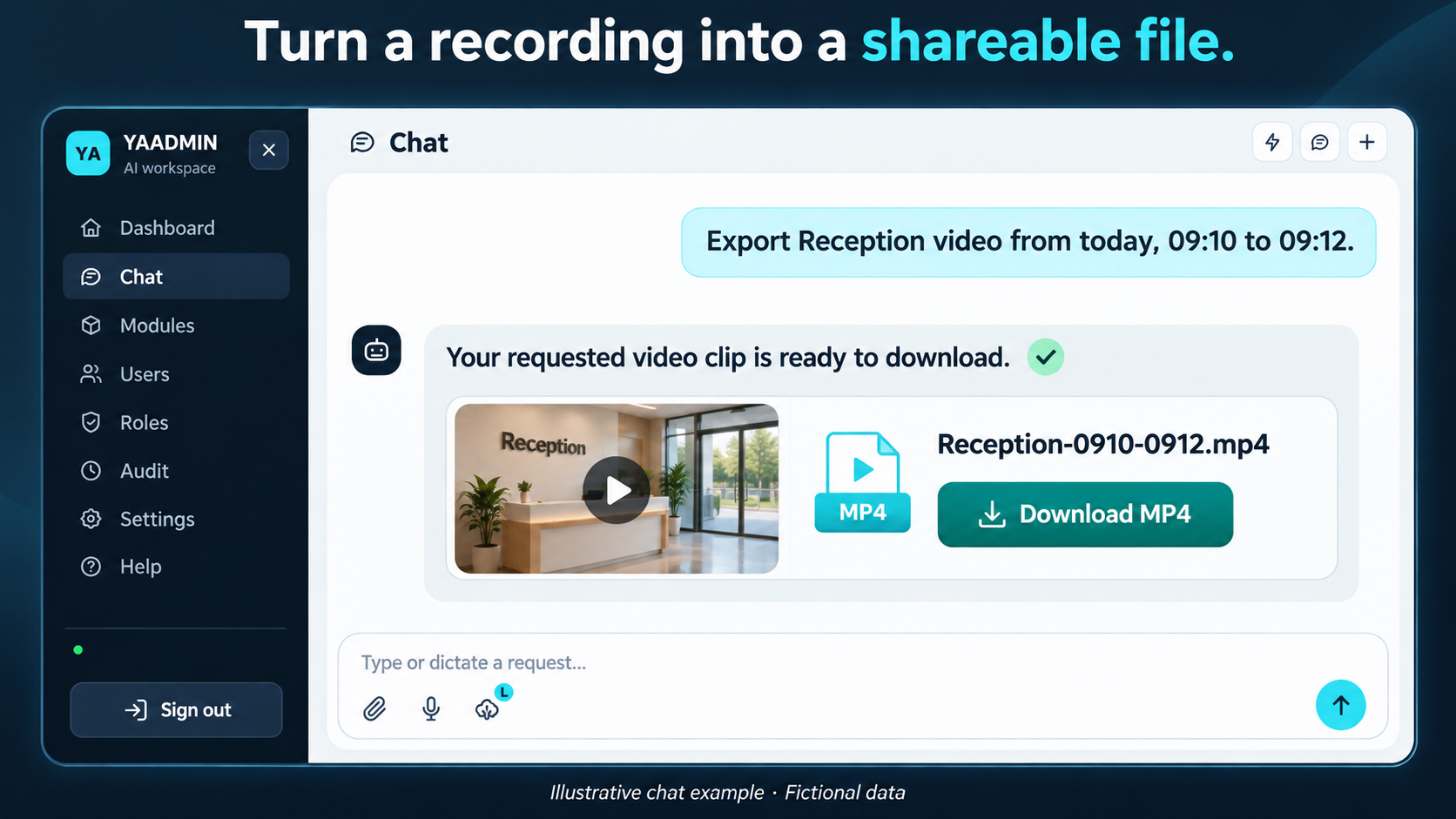
- Download the relevant moment. Export the selected interval as an MP4 file to review or share through the existing YAADMIN file tools.
- Keep track of exports. See progress and cancel an export you no longer need, instead of guessing whether the file is ready.
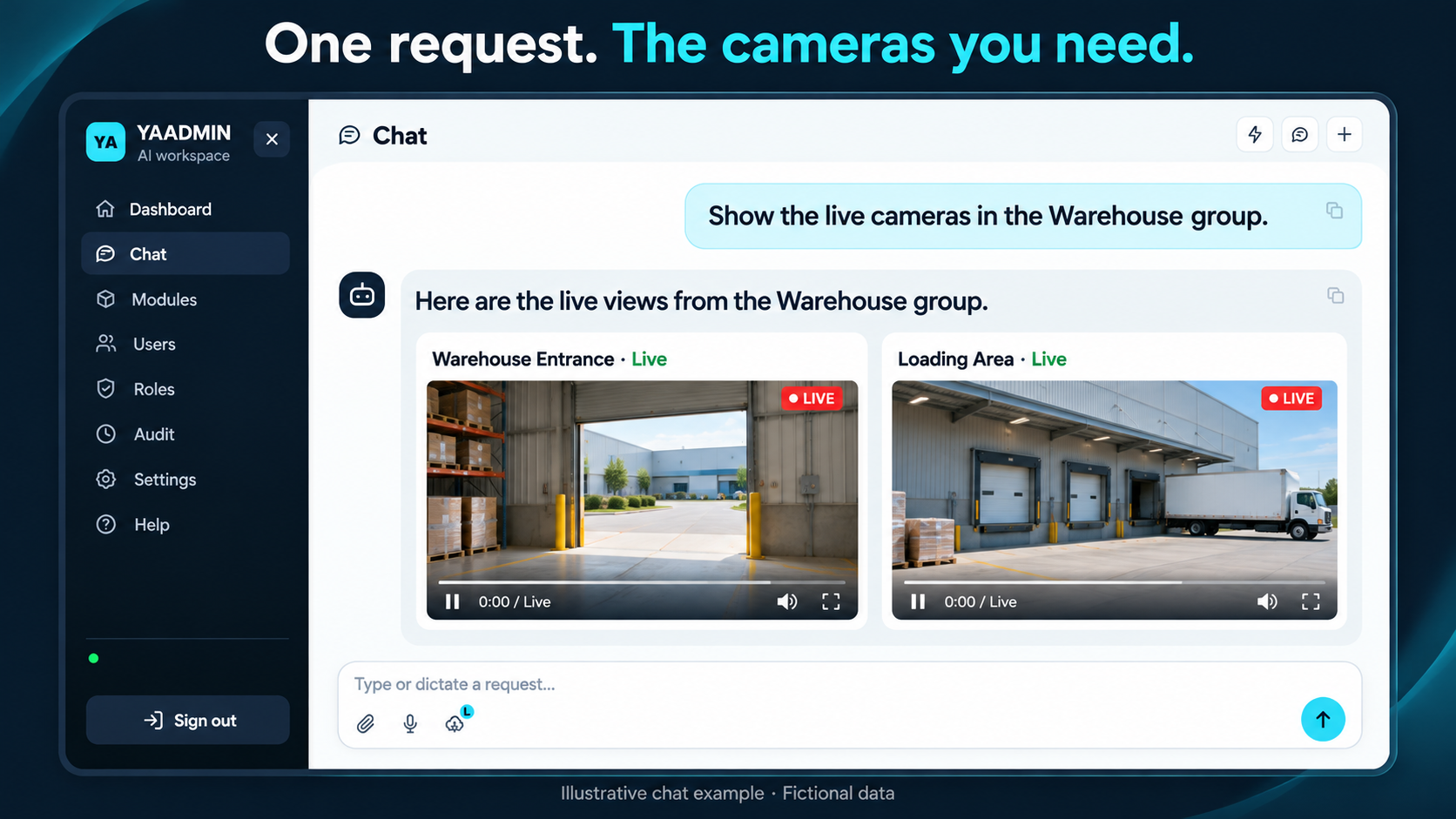
- Work with several cameras. Select cameras by location or group and request multiple views or archive checks within the configured limits.
Keep a camera list your whole team can understand#
Save your recorder or camera connections, discover their channels, and give cameras useful names and descriptions. Organize them into optional groups. You can add devices and maintain the camera catalog through the existing module settings - no need to memorize camera IDs or write connection scripts.
Keep the right people in control#
Decide who may manage connections, watch live video, search recordings or export clips using YAADMIN roles. Passwords stay in the protected YAADMIN Vault rather than in chat. The AI uses your saved connections without receiving their passwords.
Make sense of recording times#
Check a device's clock and keep explicitly verified corrections for older recordings. This helps you search the affected period without applying an old clock error to every new recording. The module checks time; it does not change your recorder's clock.
Try asking#
- "Show the live camera at Reception."
- "Find the cameras in the Warehouse group."
- "Show which recordings cover yesterday from 14:00 to 14:10 at Entrance."
- "Export that interval as a video file."
$29 once. Twelve months of updates included.#
Buy perpetual use of eligible versions with 12 months of module updates. Further updates require paid renewal. There is no automatic recurring charge, and your installed eligible version is not disabled when coverage ends. Future compatibility with recorder firmware, Windows or Core is not guaranteed without updates.
Before you start#
Requires YAADMIN Core 2.0.0.32 or a newer compatible SDK 2.0 build, a supported Dahua-compatible camera/recorder and FFmpeg available to the Core service. FFmpeg is not included. Live viewing has a small delay, and several streams use more Core resources. Audio, WebRTC and RTSPS are not included. Camera access, recording availability and supported features depend on your equipment and firmware. See Installation & usage below for setup and limits. This is an independent integration, not an official Dahua product or endorsement.