Skip to content
ADMIN
Download 2.0.0.55
ModulesFiles & Tables
AvailableVersion 1.2.0

Files & Tables

Turn documents and results into useful files and tables. Read, create and query data in your own user workspace.

Free module

Free · Package not yet available

Files & Tables

Turn a document into a useful result#

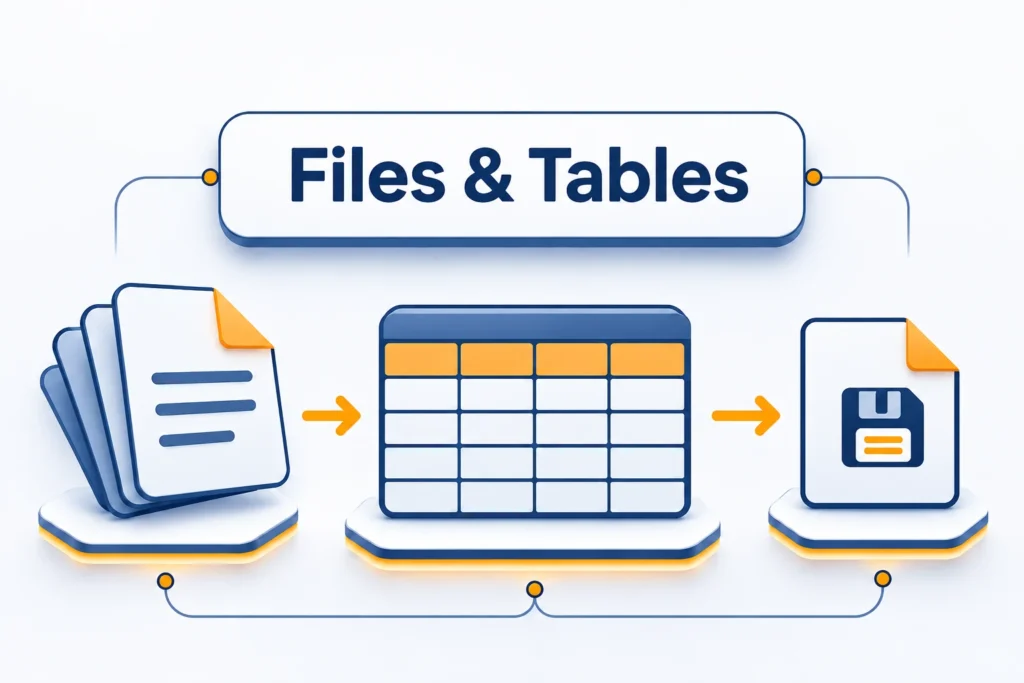
Files & Tables helps turn attachments and tool results into materials you can use. Supply a document, find information, filter rows or prepare a report for a colleague. Data remains tied to its owner and available through that user's authorised YAADMIN session.

Everyday capabilities#

Example requests#

“Show receipts as a table, filter the required period and prepare an Excel file.”

“Inspect this ZIP, find the photographs and the document describing the sets. Do not publish anything.”

Connection and access#

Enable Files and grant reading and uploading; creation and deletion have separate permissions. Image and scanned-document inspection needs a compatible model. Extraction has entry and size limits; file contents are treated as data. Personal uploads are not a shared folder for all workers.

GET STARTED

Installation & usage

What you need, how to connect, and where to begin.

What this module is for#

Files & Tables works with files, tables and reports supplied to YAADMIN. It does not provide arbitrary access to every computer's files and is not a computer-backup system.

Enable and assign access#

  1. Find Files & Tables in Modules and enable the included component, or use an official compatible package when offered.
  2. Grant required create, upload and read rights. Assign deletion separately.
  3. No separate external service is needed. Begin with a small non-sensitive sample.

First use#

  1. Upload a sample through YAADMIN's supported interface.
  2. Ask: “Summarise the table in this file.” Identify the file/table if several exist.
  3. Compare conclusions with source rows. For numbers, request a table operation rather than an unsupported textual guess.
  4. Generate a report or export an available table to Excel. Check contents before sharing.

Troubleshooting#

Check the uploading account, owner and required permissions. A denied file does not justify requesting an arbitrary server path. See the detailed guide for archive and image capabilities.

Files, tables and operations

Search documentation

Search stays in your browser.

YAADMIN CORE

Get YAADMIN Core

Your workspace starts here. We’ll email you a personal installer link. Only email is required.

Security code
Security code: enter the characters shown

We’ll send your installer link and useful YAADMIN updates. Unsubscribe from updates at any time. Privacy policy

YOUR NEXT YAADMIN WORKFLOW

Build your workspace.
Save 15%.

Get practical YAADMIN guides, product news and a personal 15% discount on packages and paid modules after confirming your email.

Open subscription form

One welcome code per email, one use. Can be combined with your 50% customer discount. Technical support and paid-module update renewals are excluded. No purchase required to subscribe. Free modules remain free.

Privacy Policy