ADMIN

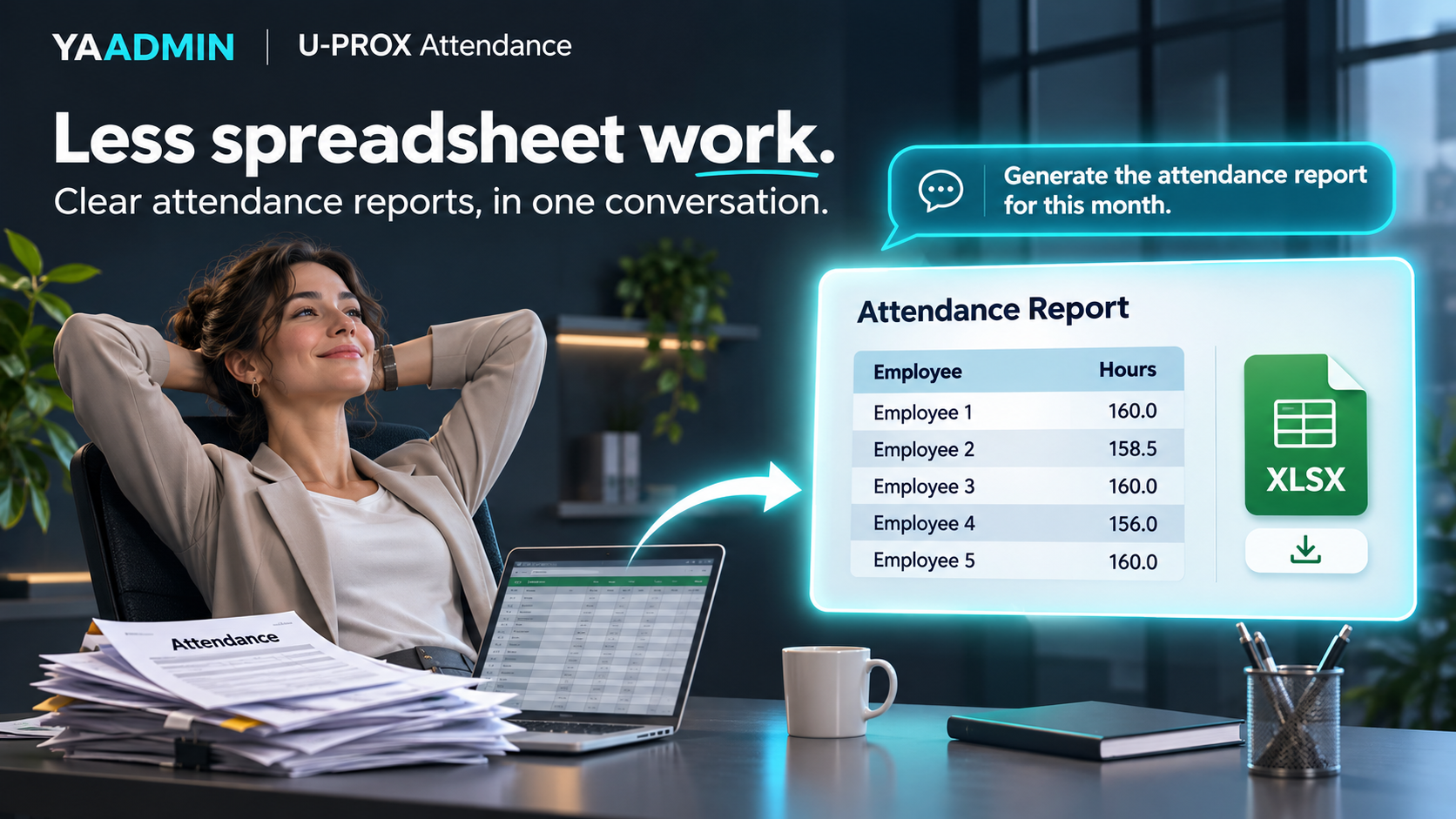

Less spreadsheet work. Clearer answers about your team.#
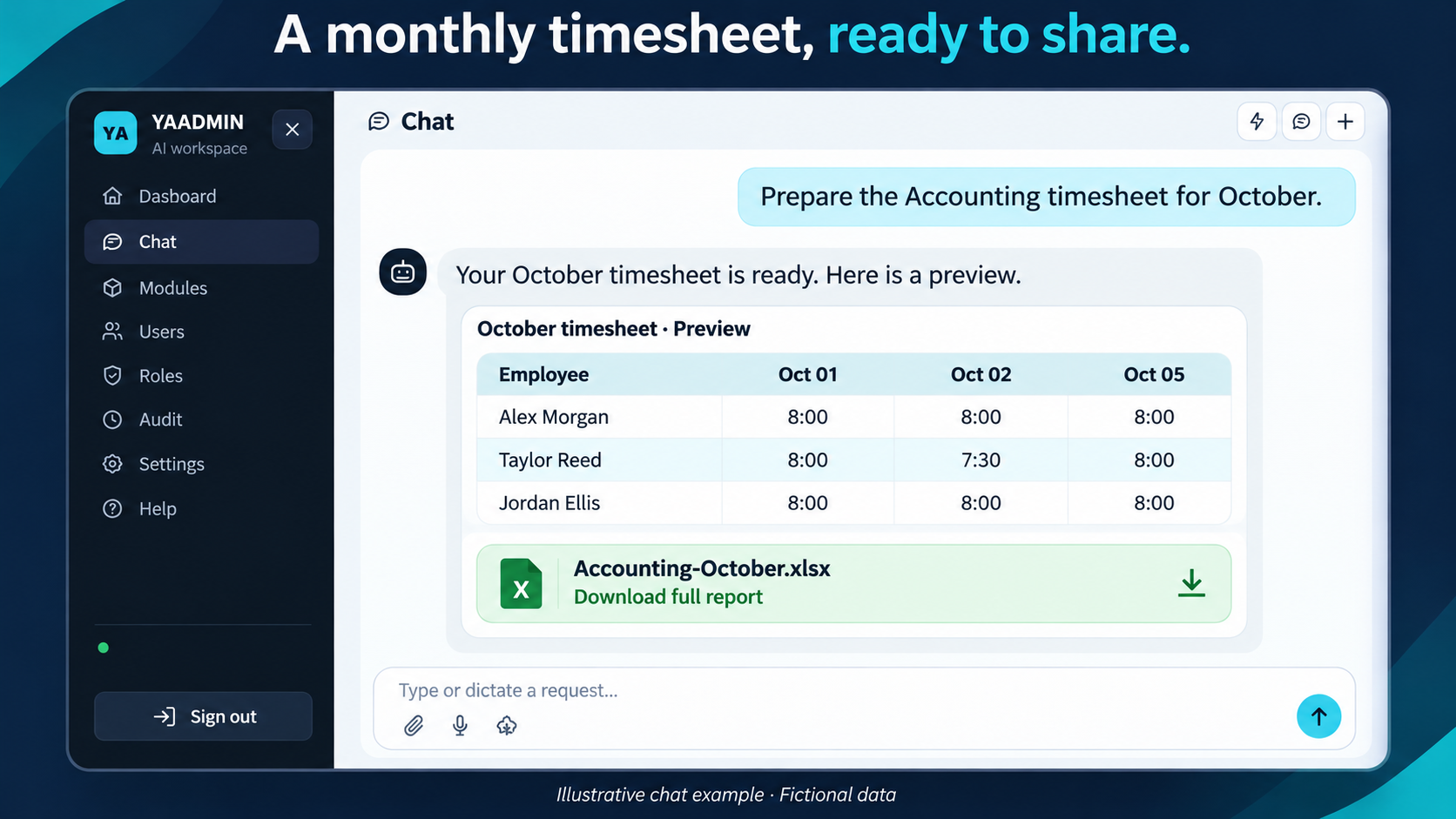
Turn the records already collected by U-PROX into useful answers for HR and managers. Ask a question in everyday language, review the results in chat, and download an Excel report when you need to share it. Spend less time collecting data and more time understanding it.
Get from a question to a report faster#
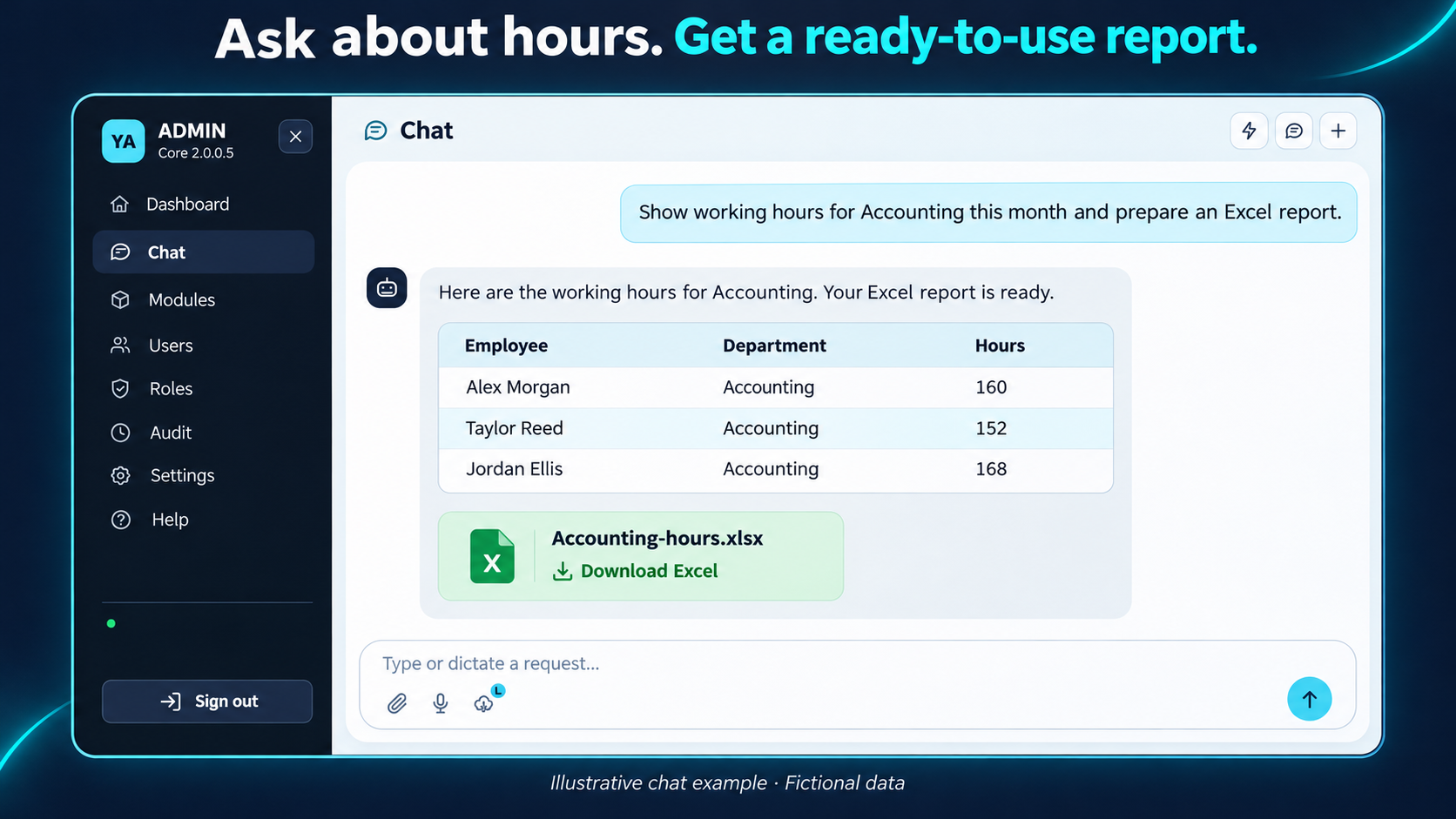
- Prepare attendance reports without rebuilding spreadsheets. Review an employee, a department or a selected period, then export the results.
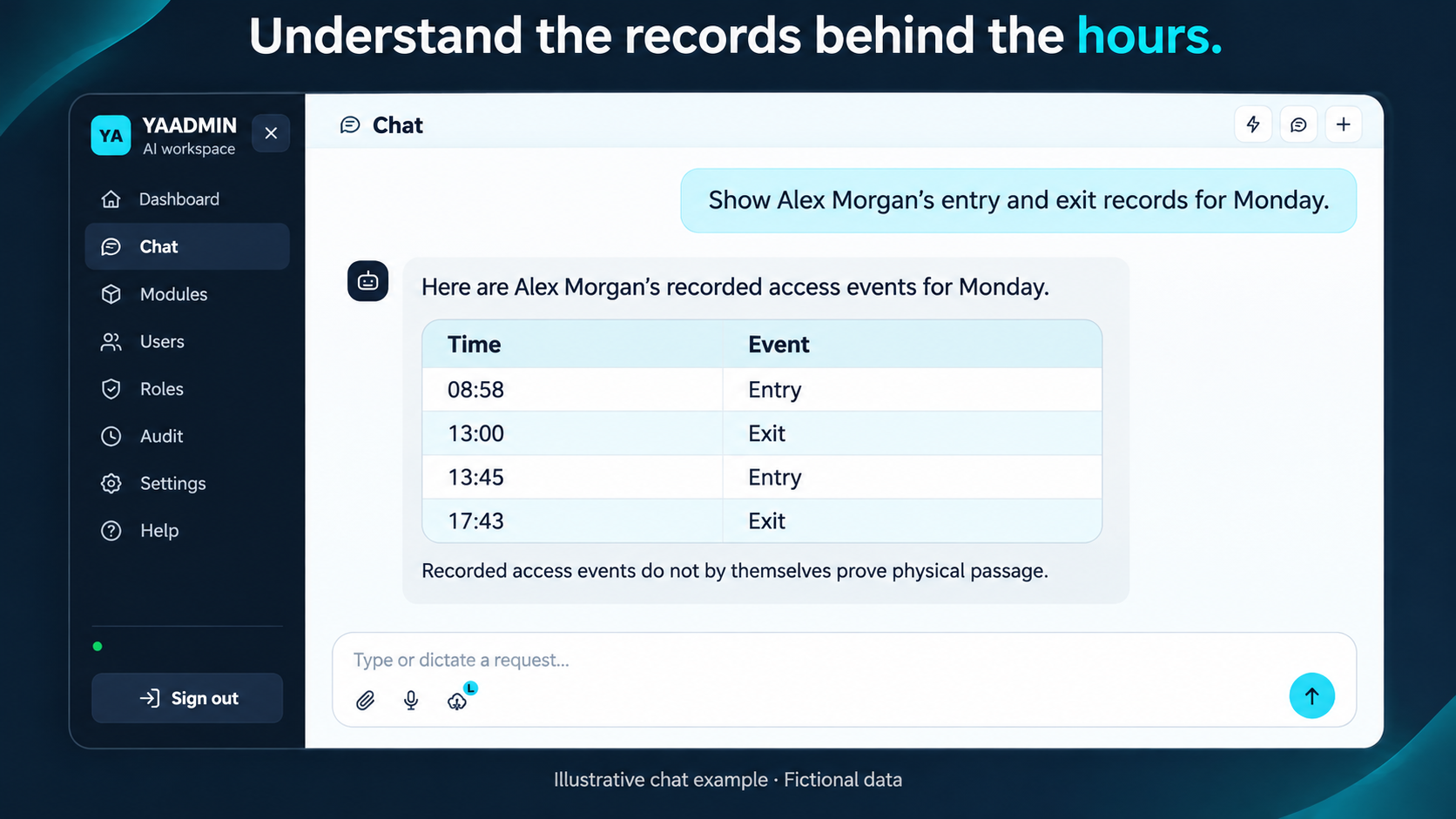
- See working hours in a clear format. Examine daily and monthly totals and the recorded entry/exit intervals behind them.
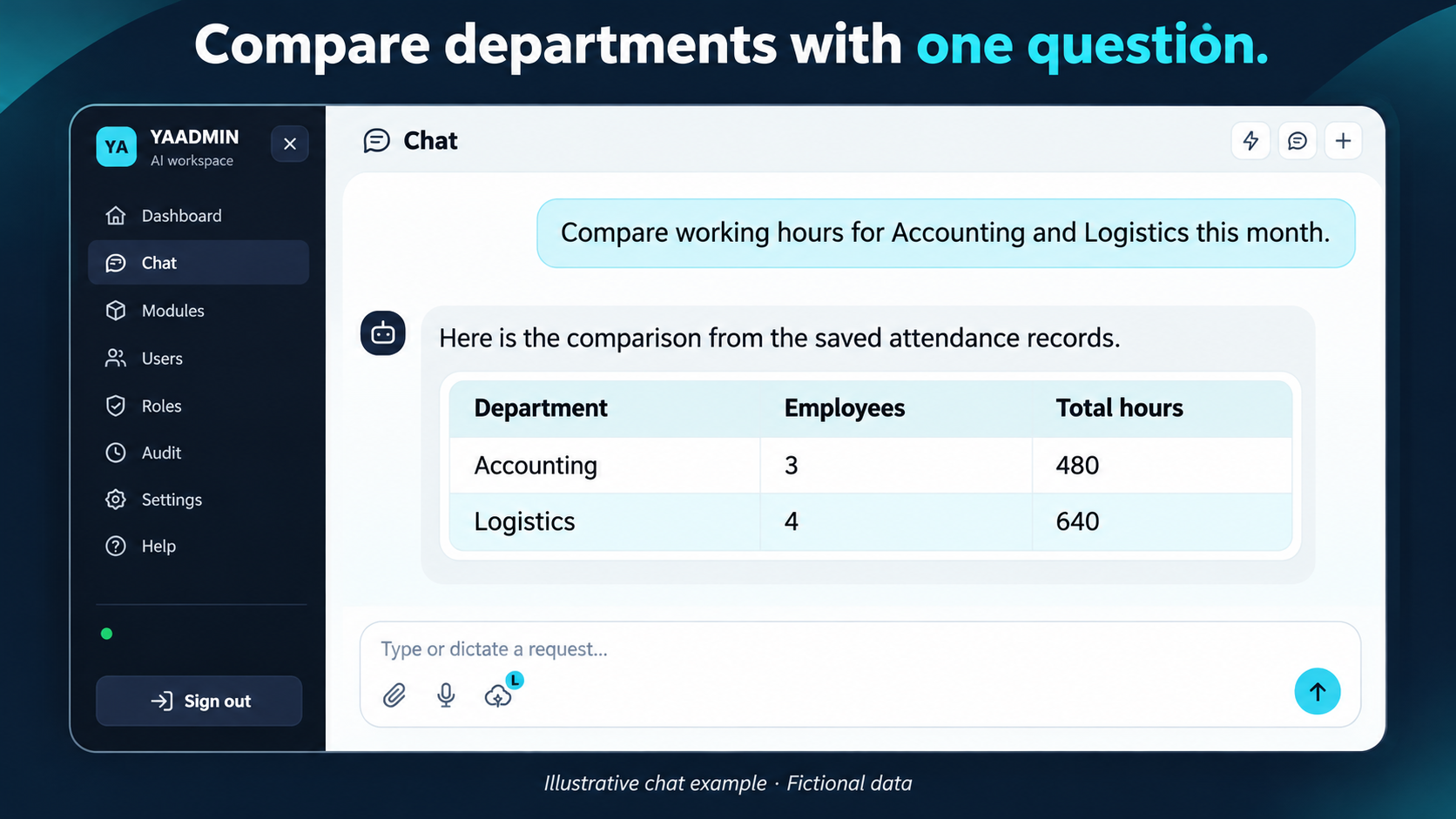
- Compare and investigate. Ask for totals, averages, rankings and comparisons, or look into a specific person's recorded events.
- Make estimates from your own hourly rate. Calculate illustrative labour-cost totals alongside working hours; you supply the rate.
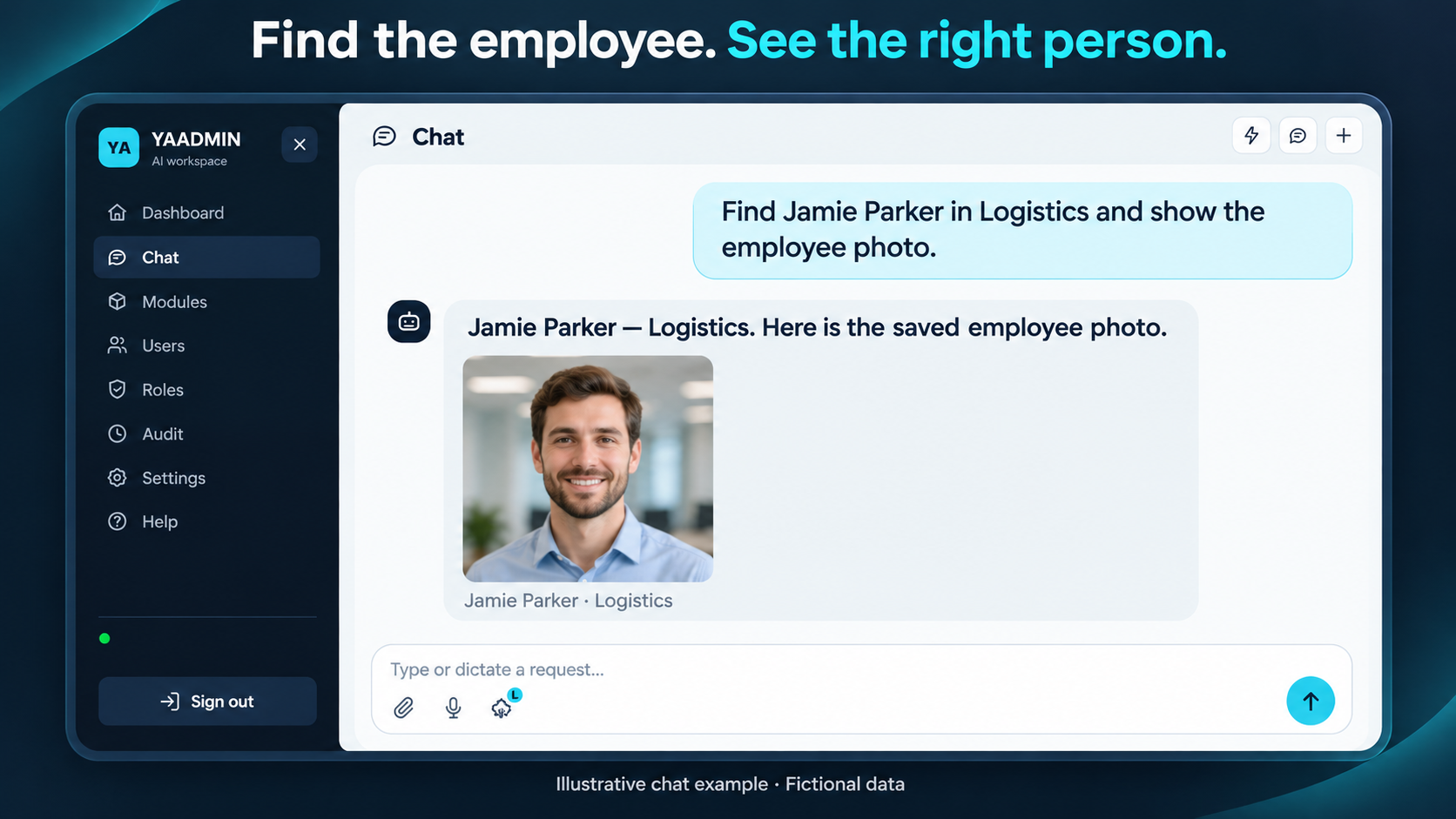
- Recognize the right employee. Show employee photographs in chat, in staff tables and in Excel reports when photographs are available.
- Share a complete result. Download reports for the selected employees or department instead of manually copying fragments from chat.
Your attendance information, organized in one place#
Find employees by name and department, browse departments and event sources, and keep a local working copy of employee records, events and photographs. Refresh the information when needed, check when it was last synchronized and review any records that could not be updated. Saved data remains available for reporting without fetching it from U-PROX for every question.
Choose how much history your organization keeps. Employee and department details are updated during synchronization, and photographs can be refreshed separately. Access is controlled through your existing YAADMIN roles.
Try asking#
- "Show working hours for Accounting this month."
- "Compare the departments for the selected period."
- "Prepare an Excel report with employee photographs."
- "Estimate the total at an hourly rate of 150."
Built to work alongside U-PROX#
The module reads your U-PROX information; it does not change door permissions or access rules. Reports reflect recorded system events. An access-granted event alone does not prove physical passage, so verify your attendance rules and a known sample before using results in payroll.
$29 once. Twelve months of updates included.#
Your purchase includes perpetual use of eligible versions and 12 months of module updates. Further updates require a paid renewal; there is no automatic recurring charge. Your installed eligible version is not disabled when coverage ends. Compatibility with future Core, Windows or U-PROX changes is not guaranteed without updates. The original MIT notice remains applicable to the included U-PROX source.
Before you start#
Requires YAADMIN Core 2.0.0.32 or a newer compatible SDK 2.0 build, access to a supported U-PROX server and an account permitted to read the required employee/events data. Vendor licenses are separate. Follow Installation & usage below to connect, set permissions and verify your first report. This is an independent integration, not a U-PROX vendor endorsement.