 ADMIN
ADMINConnect your tools
Install independent modules and configure the services you use. Available tools follow the module’s activation state, configuration, license and user permissions.
YAADMIN Enterprise
A perpetual edition for connected teams, with the module rights listed in your package, twelve months of updates and a defined period of technical support.
No automatic recurring payments. Choose an available payment method at checkout.
Current version: 2.0.0.25
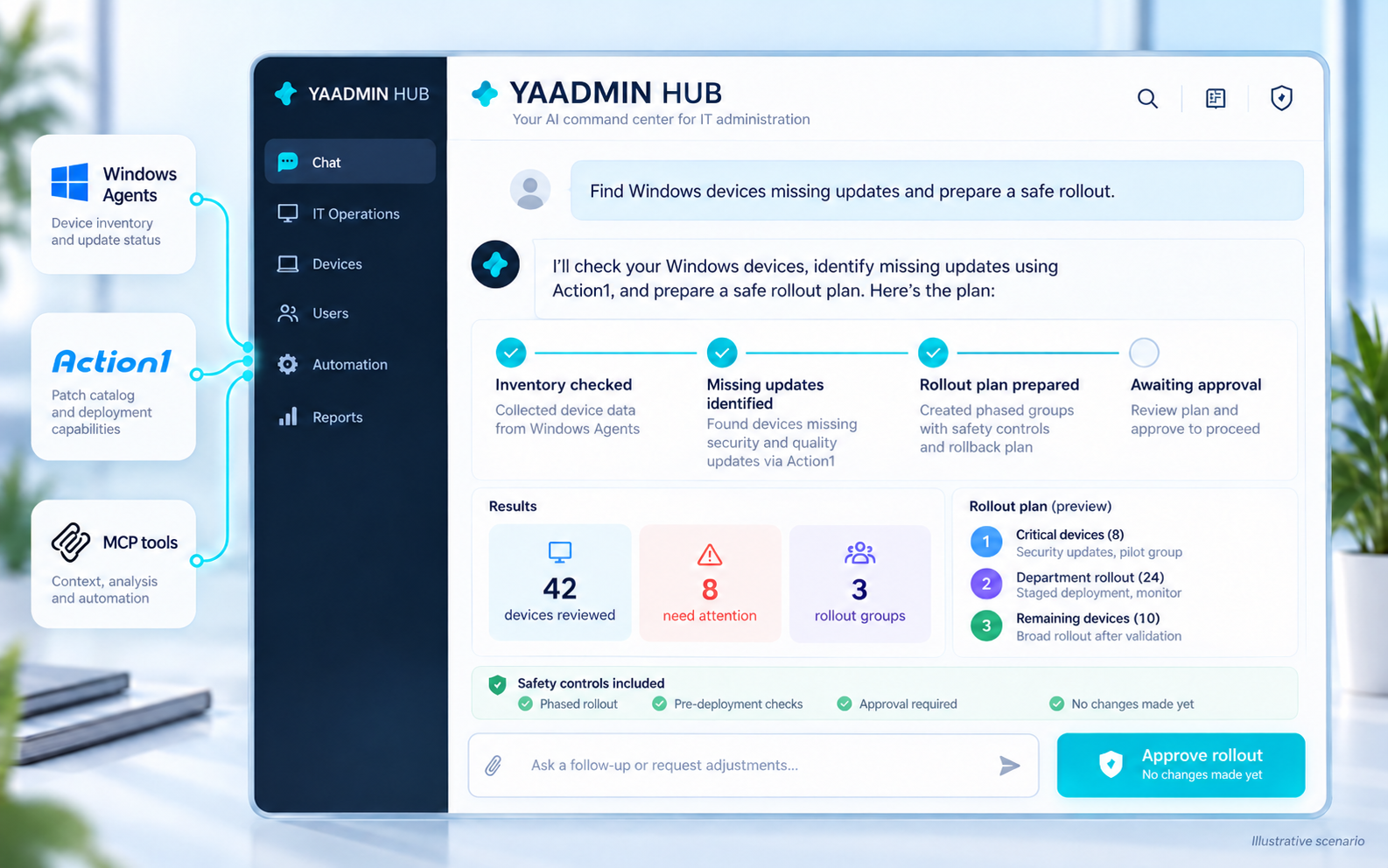
THE REAL APPLICATION
Eight main sections, one consistent workspace. These are actual English-language screenshots; private account, credential and target details are hidden.
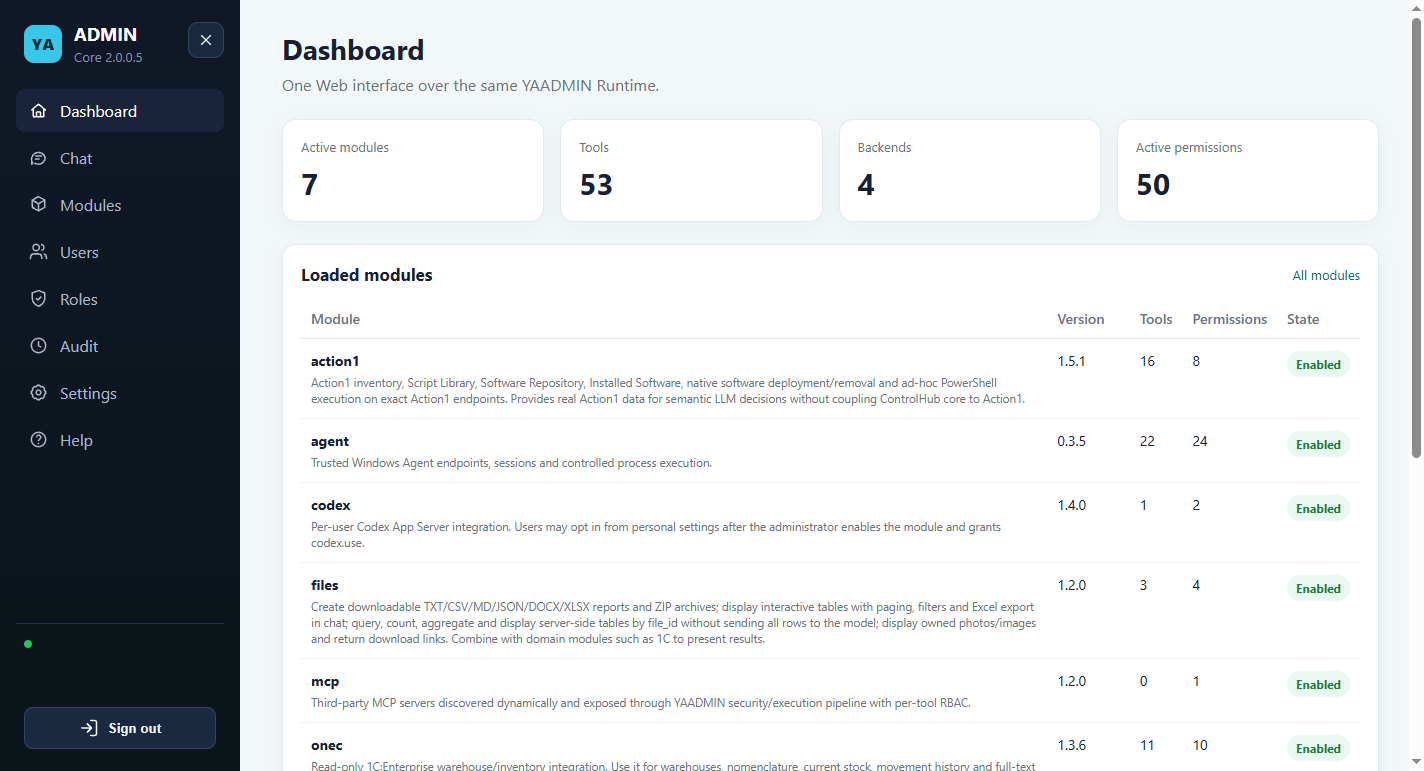
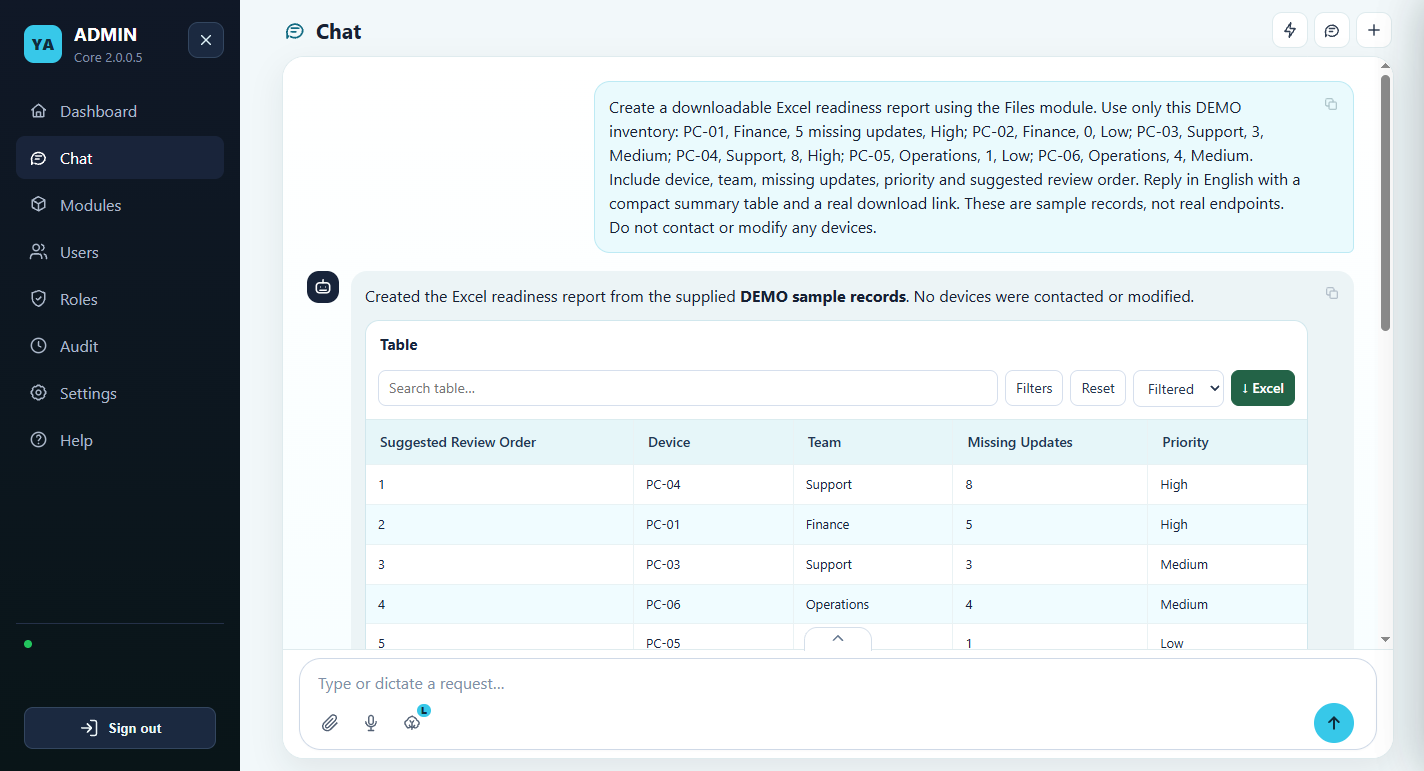
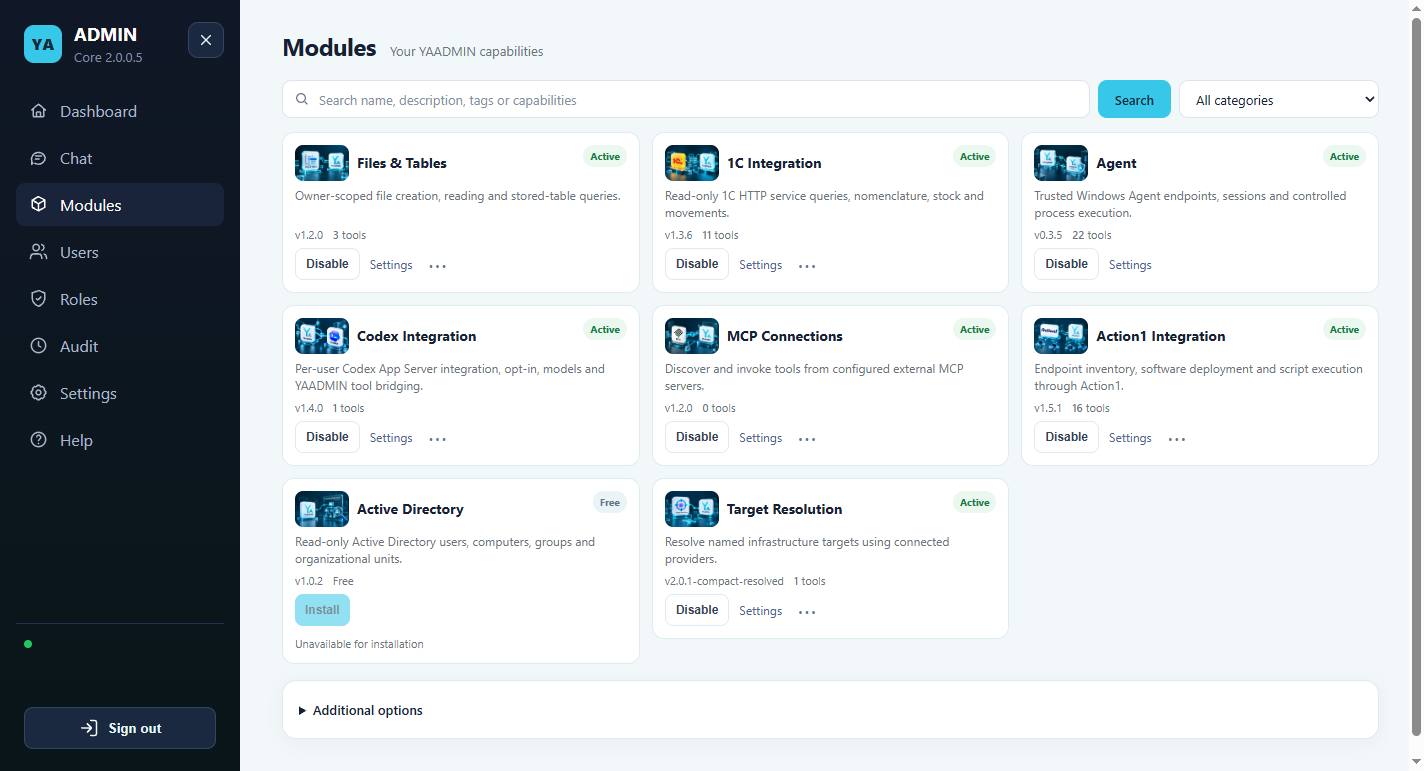
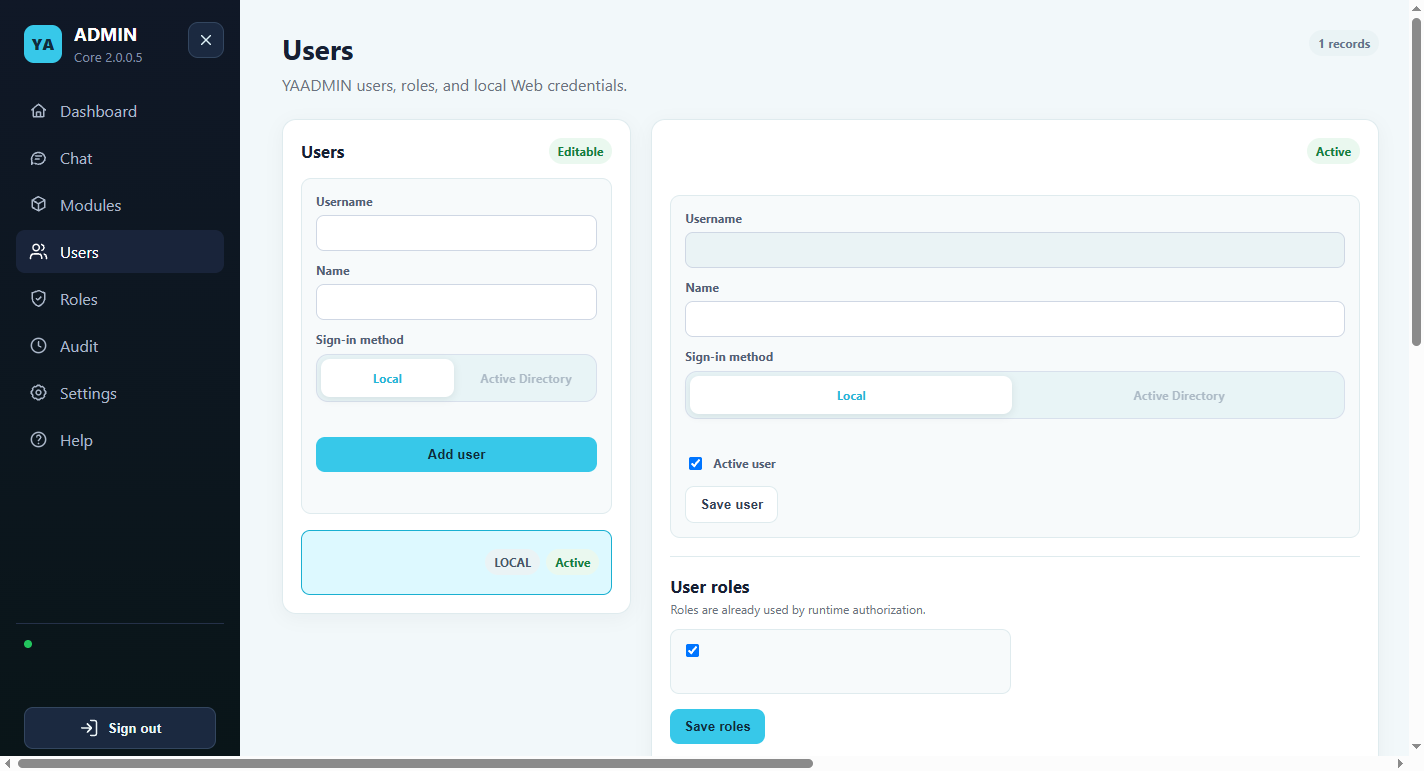
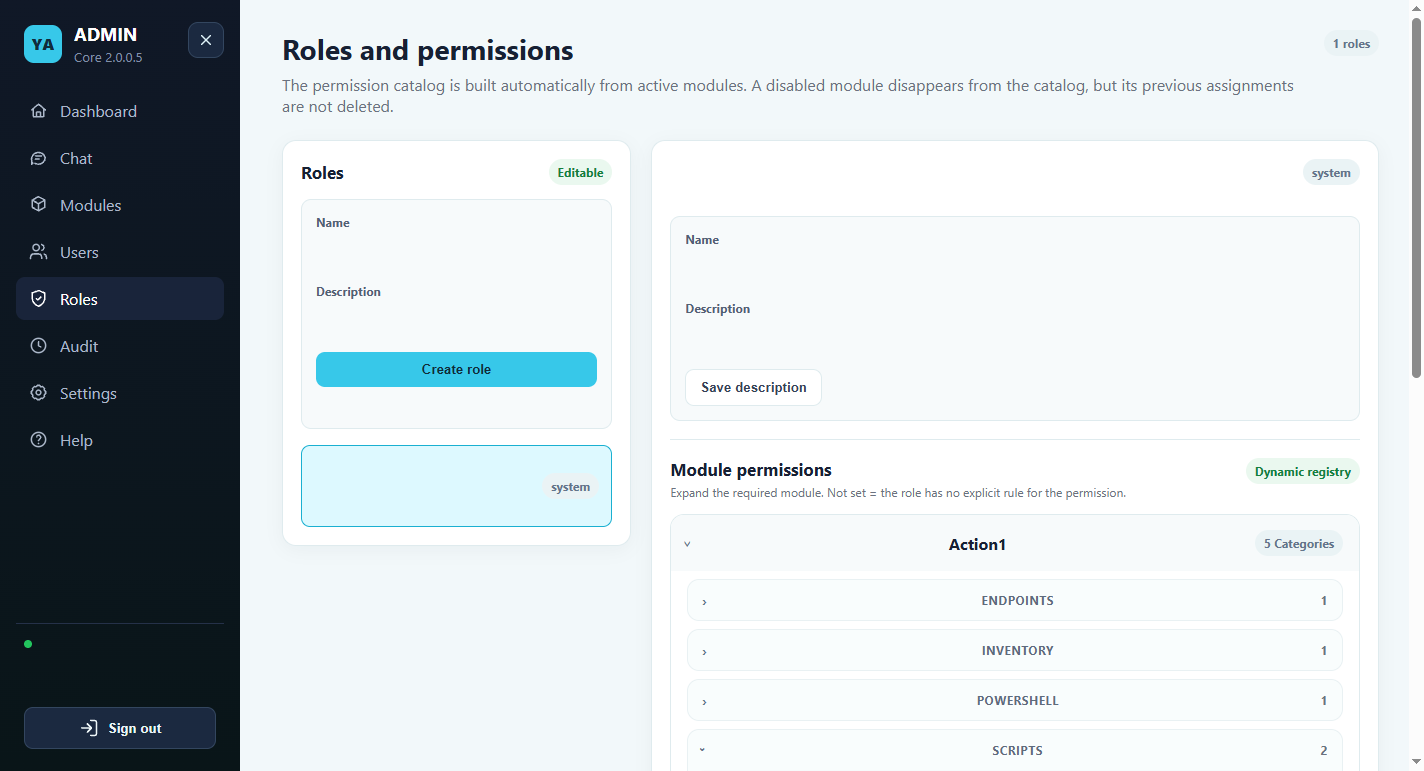
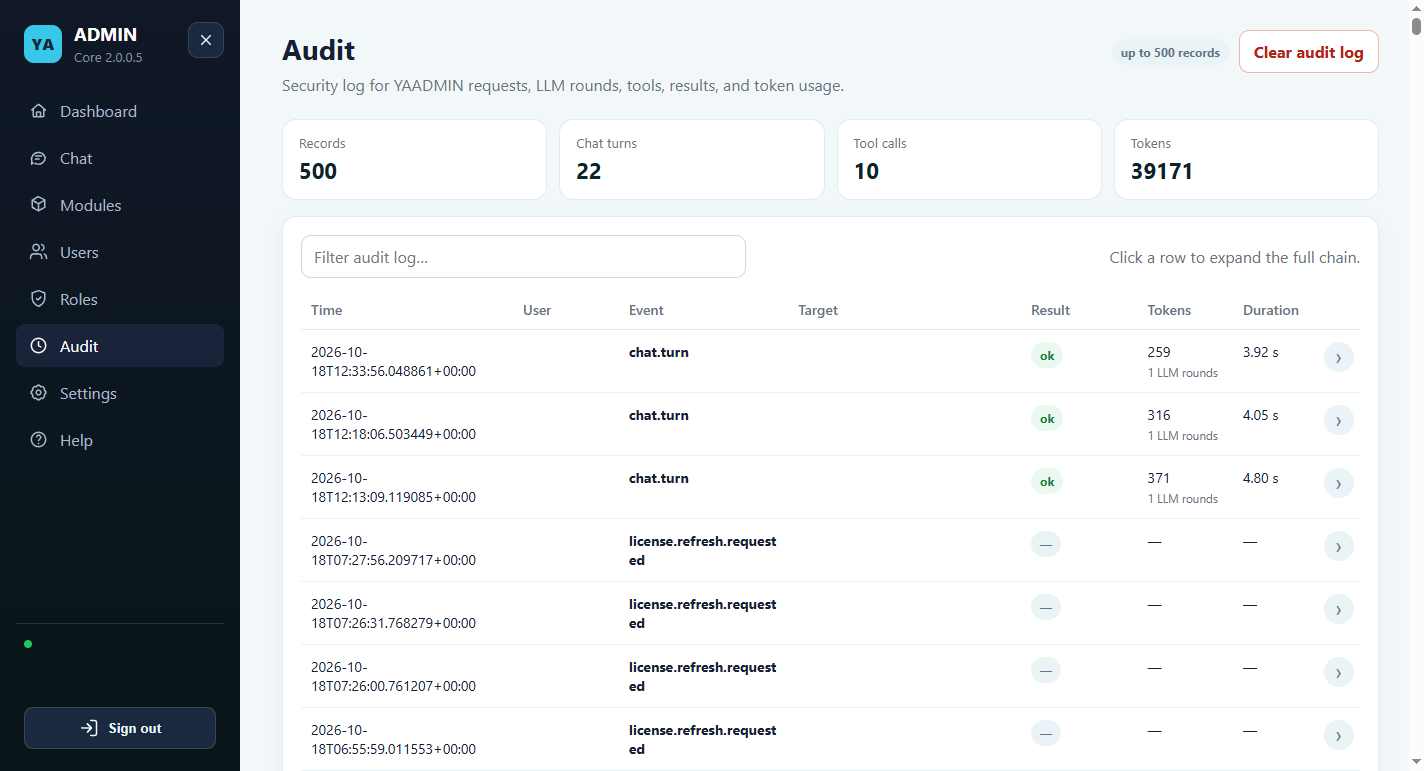
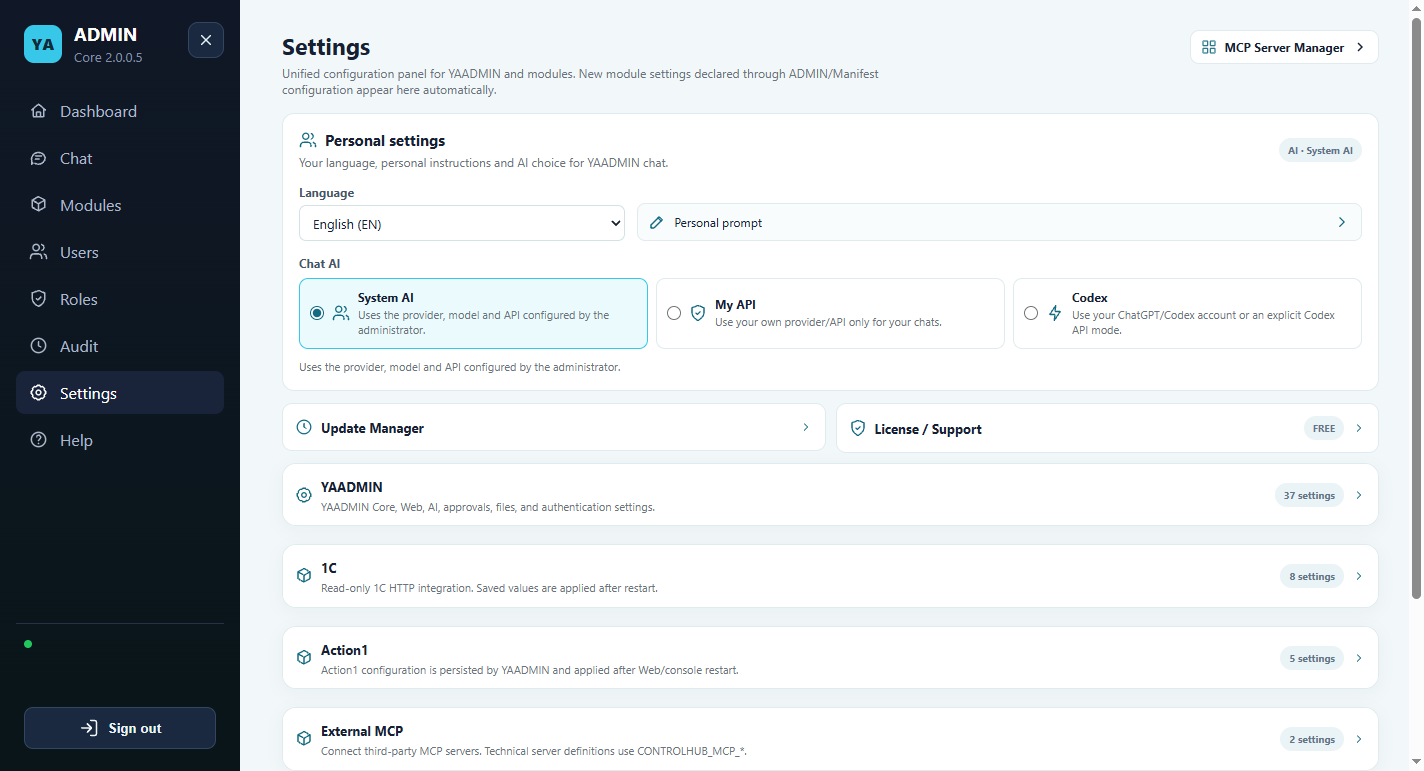
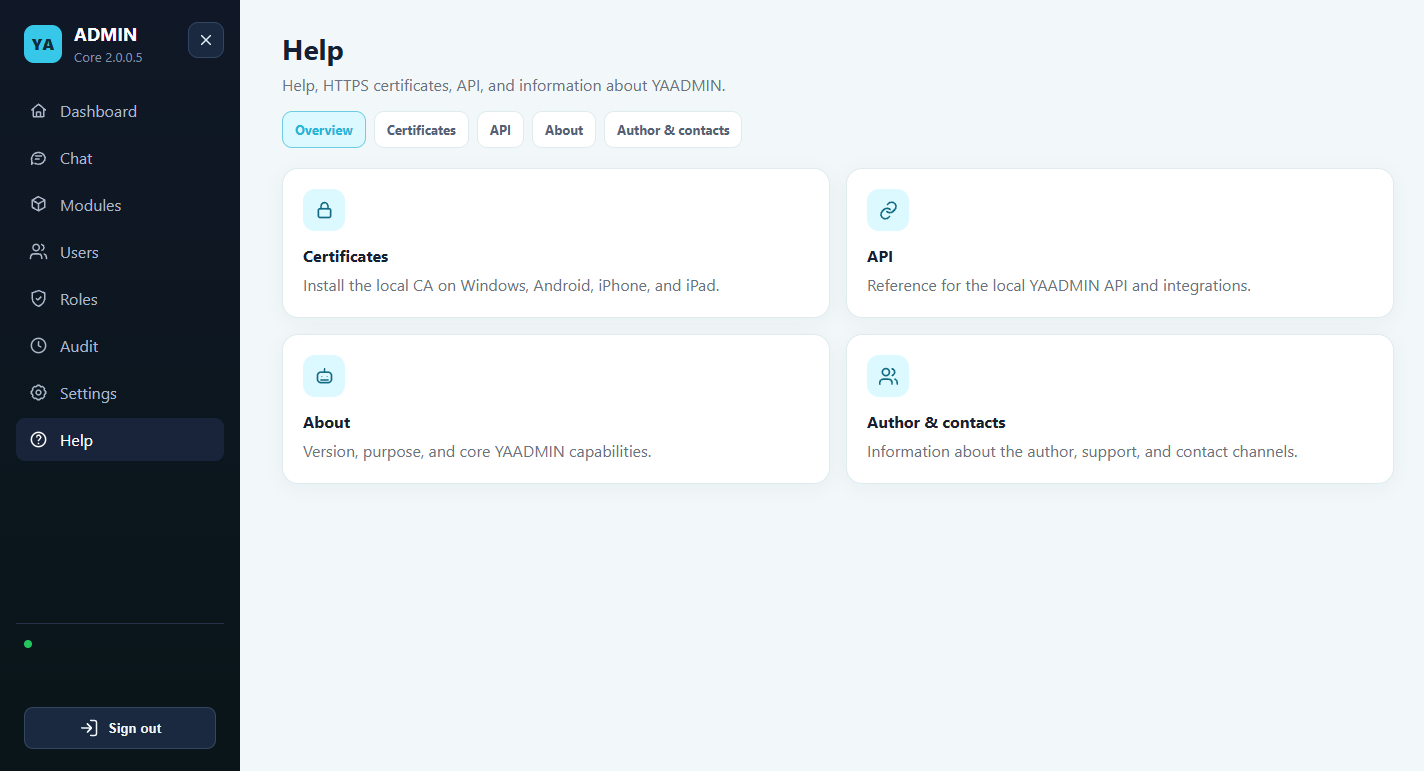
Screens show an administrator’s installation. Sections and controls depend on the signed-in user’s role. Module availability and license rights vary by installation; the images are not a product-bundle list.
FROM REQUEST TO RESULT
Bring context from your integrations into the same workspace. Let available tools do their part, while you keep control over access and actions.
Install independent modules and configure the services you use. Available tools follow the module’s activation state, configuration, license and user permissions.
Describe the question or task in natural language. Depending on available capabilities, YAADMIN can retrieve information, work with supplied data and create useful results such as reports.
Read the answer, inspect activity and confirm actions when required. An entitlement does not bypass a role restriction, tool policy or approval requirement.
YOUR PURCHASE, CLEARLY DEFINED
Only the rights listed in the purchased package are included. Future modules and premium tools are not automatically part of the edition.
YAADMIN Enterprise is a perpetual software edition for teams that want to work beyond the Free edition’s 15-agent restriction and acquire the module rights listed in one package. It includes 12 months of technical support. The current price, license term and included rights are shown on this page from the configured product.
Enterprise suits infrastructure teams coordinating endpoint information, directory lookups, business-system reads and reports in one workspace. It is also useful to integrators assessing a repeatable configuration for a customer environment. It does not establish a managed service, dedicated hosting or a service-level agreement.
The current package lists Action1 Integration, Active Directory, Codex Integration, Files & Tables, MCP Connections and 1C Integration, together with Target Resolution. The live package list alongside this description is the commercial reference. Agent development status remains separate from the edition’s connection allowance.
Module rights do not install a package, configure a provider or grant a user permission. Published module catalog entries currently have a free tier; buying Enterprise does not turn those entries into exclusive Enterprise features. A listed right also does not guarantee that a downloadable package is available for every module.
These are examples for configured installations. A complete cross-system offboarding workflow, direct SQL administration and unrestricted desktop automation are not established by the package.
The edition has no expiry date. Included technical support lasts 12 months and has separate start/end dates. Support expiry does not remove the perpetual edition. Renewal is optional and manual.
Updates to the purchased edition and included module rights are covered for twelve months. You may keep using covered versions afterward. Future modules, separately licensed premium tools, third-party subscriptions and LLM/API usage are not automatically included. No automatic recurring charges are created by this one-time product.
Registered agents do not need reinstalling for an edition upgrade. The website activation service and application execution enforcement are separate components; see Licensing for deployment and acceptance limits.
No. Runtime permissions, provider credentials, tool policy and required approvals still apply.
No. Check each module’s current package availability in the catalog. Source implementation, package distribution and live deployment are distinct.
Yes. Annual Technical Support adds a separate support period. Active support extends from its existing end date; otherwise coverage starts after confirmed payment.
Assign an administrator, complete first run, connect one provider and test with a restricted user role. Expand access after checking the actual results.
New paid purchases include 12 months of updates for the purchased products. The software-use license is perpetual: after update coverage ends, you can continue using the versions covered by your purchase. You do not need to pay every year merely to keep those versions working.
Renew update coverage if you want access to newer versions after the included period. Renewal is optional and manual, with no automatic recurring charge. A new module or separately licensed premium tool is not included unless explicitly listed in your purchased package.
Technical support has its own dates and is a different service. The Annual Technical Support product does not by itself renew update coverage. Update renewal follows the 50% package-price rule below. Contact YAADMIN to arrange renewal; renewals are arranged directly with the team. Do not purchase technical support as a substitute.
Renewal for another twelve months of updates costs 50% of the amount originally paid for the software package — a 50% renewal discount. For example, a package purchased for $79 has a $39.50 update renewal; a package purchased for $249 has a $124.50 update renewal. If the original package was purchased at a discount, the calculation uses that paid package amount. This renews update coverage for the purchased package, not technical support or access to new modules outside it. Renewal is optional: covered versions remain usable without it.
GET STARTED
Review the edition or service, use the email linked to YAADMIN and choose an available payment method.
Your selected payment provider processes the purchase. No automatic recurring charge is created by this one-time order.
After payment confirmation, refresh Settings → License to see your edition, issued module rights and support dates. Registered agents do not need reinstalling.
BEFORE YOU DECIDE
Pro and Enterprise include perpetual use of covered versions and twelve months of updates. Optional update renewal gives access to newer versions; covered versions remain usable after coverage ends. Free has no edition fee. Technical support has its own period. There are no automatic recurring charges.
Product rights follow the purchased package. Pro and Free can use separately licensed capabilities when the corresponding rights are present. The Enterprise detail page lists its included module licenses. An entitlement never replaces user permissions or a required approval.
The hero is an illustrative workflow concept with example data and a proposed interface. The carousel contains actual installed YAADMIN screens. The chat example uses demo inventory supplied in the request. Neither is a guarantee that every pictured integration is included in your edition.
AI provider access, personal API usage, third-party subscriptions and external services follow their own terms. The application offers only AI modes configured and permitted for the user; no unlimited third-party usage is promised.
A perpetual software edition does not expire when its separate support period ends. Renew support manually if you need another period of assistance. The included twelve-month update period is separate. When it ends, covered versions remain usable; renewed update coverage is needed for newer versions.
Local configuration and installed components are kept on your machine. Online AI providers, external integrations, downloads, catalog refreshes and some licensing operations need a network connection. Offline capabilities depend on the installed tools and provider configuration.
YOUR TOOLS. YOUR RULES.
YAADMIN Enterprise · $249.00 · Perpetual use · 12 months of updates included