 ADMIN
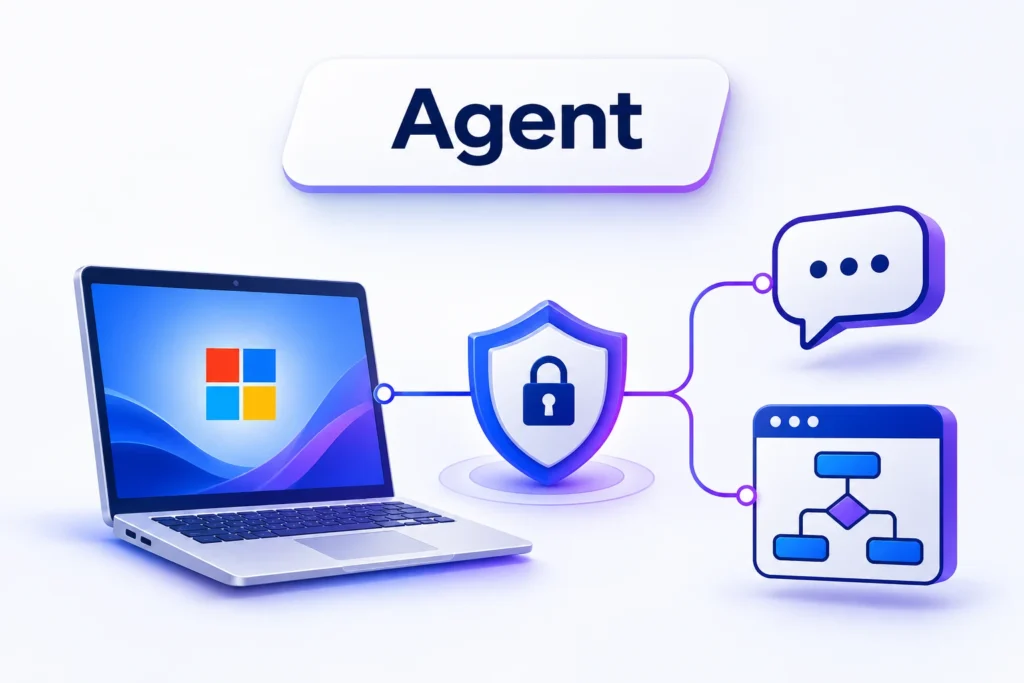
Bring Windows computers into YAADMIN workflows#
YAADMIN Agent creates a trusted connection between a Windows device and Core. Use it to work with a specific computer, inspect connection state and run supported tasks in the intended Windows context.
Catalog status: In development. Available actions depend on installed Core and Agent versions, the active session, verified capabilities and assigned permissions.
What it supports#
- Trusted enrollment. Control how a device connects to Core.
- Windows-session targeting. Identify the intended user and session before acting.
- Permitted processes. Use the tools in your build and verify their results.
- Screen interaction in compatible versions. Observation and input need the relevant capabilities and access.
Why session context matters#
A background process and an application on a worker's screen are different contexts. Select the correct session and check actual results rather than assuming where an application appeared.
Plan deployment#
Begin with one test device, trusted enrollment and a simple status request. Then verify your team's workflows on that build. Check package availability, instructions and acceptance results before wider rollout. Connection alone does not grant unlimited screen or command access.