Skip to content
ADMIN
Download 2.0.0.55
ModulesYAADMIN Agent
In development

YAADMIN Agent

Connect Windows computers for authorised session, process and screen tasks. Capabilities depend on installed versions; Agent is in development.

Separate Agent purchase unavailable; review development status

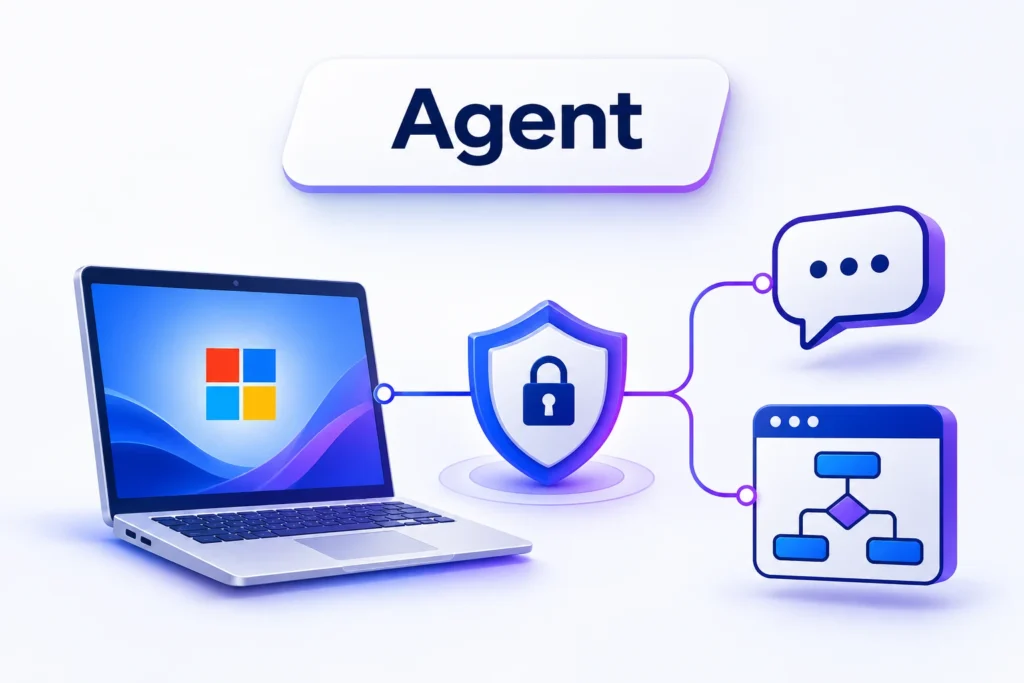
YAADMIN Agent with YAADMIN — original conceptual module artwork

Bring Windows computers into YAADMIN workflows#

YAADMIN Agent creates a trusted connection between a Windows device and Core. Use it to work with a specific computer, inspect connection state and run supported tasks in the intended Windows context.

Catalog status: In development. Available actions depend on installed Core and Agent versions, the active session, verified capabilities and assigned permissions.

What it supports#

Why session context matters#

A background process and an application on a worker's screen are different contexts. Select the correct session and check actual results rather than assuming where an application appeared.

Plan deployment#

Begin with one test device, trusted enrollment and a simple status request. Then verify your team's workflows on that build. Check package availability, instructions and acceptance results before wider rollout. Connection alone does not grant unlimited screen or command access.

GET STARTED

Installation & usage

What you need, how to connect, and where to begin.

Before installation#

YAADMIN Core is the main application; YAADMIN Agent runs on the Windows computer you want to manage. Capabilities depend on installed versions. A website card does not replace checking the package in your application.

Connect a computer#

  1. Open the Agent module in Core and check its availability and settings.
  2. Prepare a reachable Core HTTPS address over your network or VPN. Its name must match the certificate; keep TLS verification enabled.
  3. Use your version's official Agent installation workflow. Packages can be tied to Core; do not publish a personalised package or enrollment token as a public download.
  4. Install on the authorised Windows PC with normal administrator consent. Wait for its trusted record and check Online.
  5. Grant only needed operations. A listed Agent does not authorise every user session.

First check and everyday use#

  1. Ask for connected Agents and the intended computer's state. Verify the exact target.
  2. For desktop work, identify the correct Windows account and active session.
  3. Start with an information request. Use commands, applications and screen interaction only with the required capabilities and access.
  4. Check task status and its actual effect. Background execution does not mean an application window appears on the user's desktop.

Troubleshooting#

Check Core address, certificates, network, service and enrollment. For a missing window, verify the session. Do not bypass UAC, a locked screen or another user's access. Inspect real state before repeating an interrupted action.

Install Agent · Agent guide

Search documentation

Search stays in your browser.

YAADMIN CORE

Get YAADMIN Core

Your workspace starts here. We’ll email you a personal installer link. Only email is required.

Security code
Security code: enter the characters shown

We’ll send your installer link and useful YAADMIN updates. Unsubscribe from updates at any time. Privacy policy

YOUR NEXT YAADMIN WORKFLOW

Build your workspace.
Save 15%.

Get practical YAADMIN guides, product news and a personal 15% discount on packages and paid modules after confirming your email.

Open subscription form

One welcome code per email, one use. Can be combined with your 50% customer discount. Technical support and paid-module update renewals are excluded. No purchase required to subscribe. Free modules remain free.

Privacy Policy