Skip to content
ADMIN
Download 2.0.0.55
ModulesTarget Resolution
AvailableVersion 2.0.1-compact-resolved

Target Resolution

Resolve a familiar name to the correct infrastructure record using connected providers before taking action.

Free module

Free · Package not yet available

Target Resolution

Identify the correct computer before acting#

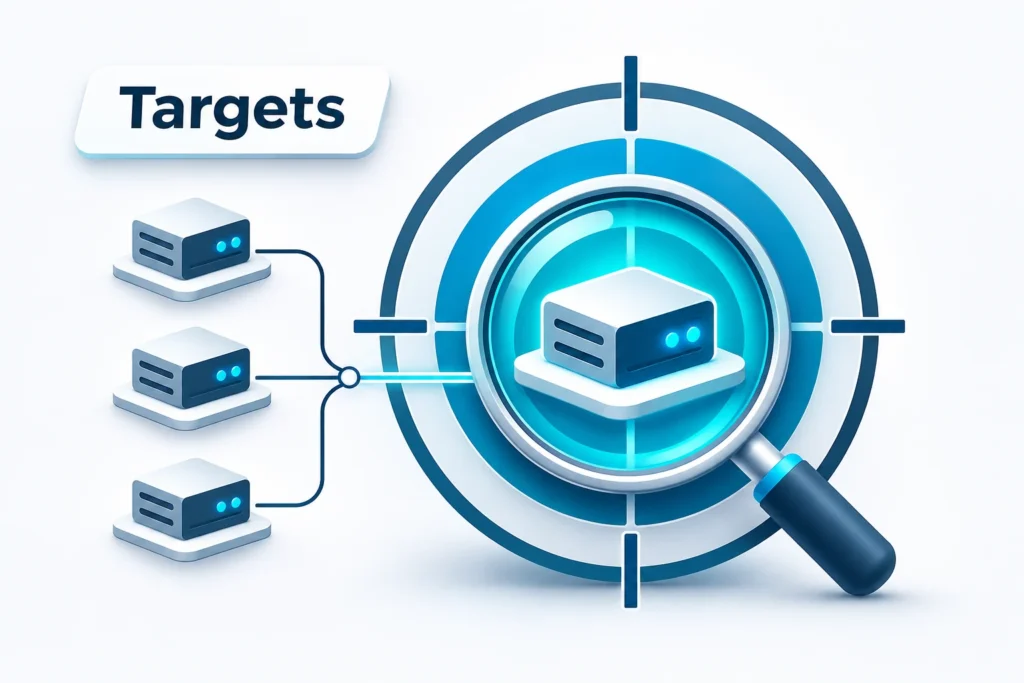
Target Resolution connects a human-readable name with a specific object in connected infrastructure. A request may say “the warehouse computer,” while an operation needs an exact record ID. The module uses available YAADMIN providers to resolve that difference.

What it helps with#

Example workflow#

“Find OFFICE-PC-07, show the selected device and use it for the next check.”

This is useful for simple viewing and before administrative changes. It reduces confusion between similarly named devices and keeps the request tied to its target.

Get started#

Configure the relevant provider and test one known object. Resolving a target does not grant permission to administer it: the next module applies its own access, availability and execution rules. Separate package availability is shown in the catalog.

GET STARTED

Installation & usage

What you need, how to connect, and where to begin.

What this module is for#

Target Resolution maps a human-readable computer, user or other supported name to a correct provider record. It does not create a universal device database or replace Action1, AD or 1C.

Enable and prepare#

  1. Find Target Resolution in Modules and enable it, or check the official compatible package catalog.
  2. Configure the data-provider modules first. Verify ordinary searches in the relevant service.
  3. Grant target-search and necessary provider-read permissions. Resolution does not grant permission to change the target.

How to use#

  1. Ask: “Find the computer named FINANCE-PC.” Specify organisation or provider if needed.
  2. Compare returned records when several match. Do not select the first merely similar name.
  3. After selection, request another supported action, such as computer details or a directory read.
  4. For 1C stock, resolve the actual warehouse first and use that selected record.

Troubleshooting#

Clarify name, object type, provider and read access. Never replace Not found with an invented ID. Similar records in different systems are not automatically the same person or device.

Target Resolution guide

Search documentation

Search stays in your browser.

YAADMIN CORE

Get YAADMIN Core

Your workspace starts here. We’ll email you a personal installer link. Only email is required.

Security code
Security code: enter the characters shown

We’ll send your installer link and useful YAADMIN updates. Unsubscribe from updates at any time. Privacy policy

YOUR NEXT YAADMIN WORKFLOW

Build your workspace.
Save 15%.

Get practical YAADMIN guides, product news and a personal 15% discount on packages and paid modules after confirming your email.

Open subscription form

One welcome code per email, one use. Can be combined with your 50% customer discount. Technical support and paid-module update renewals are excluded. No purchase required to subscribe. Free modules remain free.

Privacy Policy