Browse by task, license and availability#
Use the catalog search for a module name, provider or task such as inventory, stock, reports or PowerShell. Multiple search words narrow the results. Selected filters are kept in the page URL so you can bookmark or share a catalog view.
- License type: Free, Paid or Not announced. These labels follow the current published module license; a planned module is not automatically a paid product.
- Category: group related integrations and workflows, such as IT Administration, Business & ERP or Automation.
- Availability: distinguish a verified downloadable package from a module awaiting distribution, work in development or a planned integration.
- Sort: prioritize package availability or browse names alphabetically. Reset filters to return to the complete catalog.
The catalog initially shows up to 24 matching entries in the interactive view; use Show more modules for larger lists. Search covers all listed entries, including ones not yet displayed. Without JavaScript, submit the search form to filter on the server. My Modules shows the module rights linked to your account, separately from the public catalog.
Select a connection path#
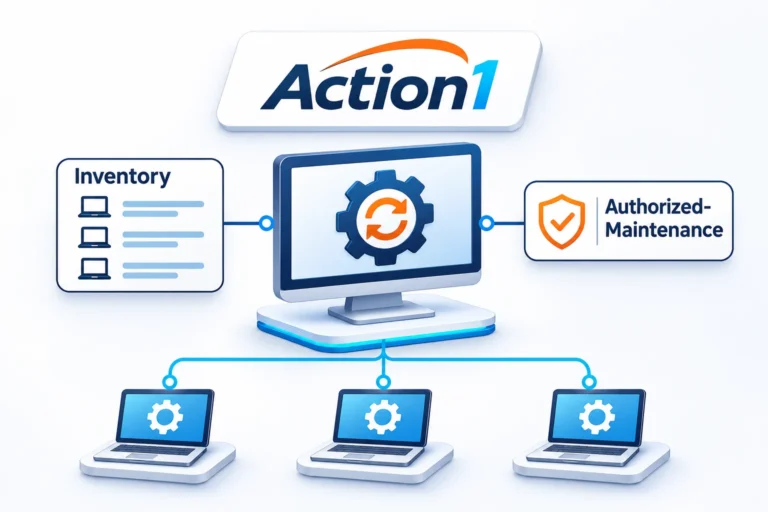
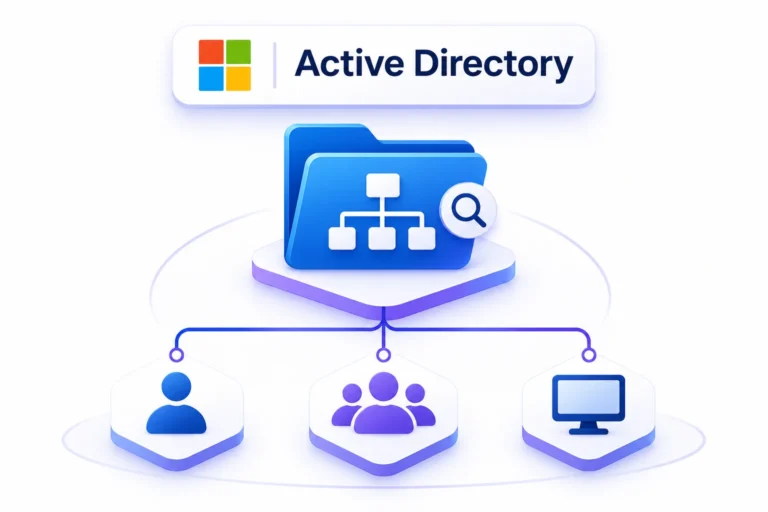
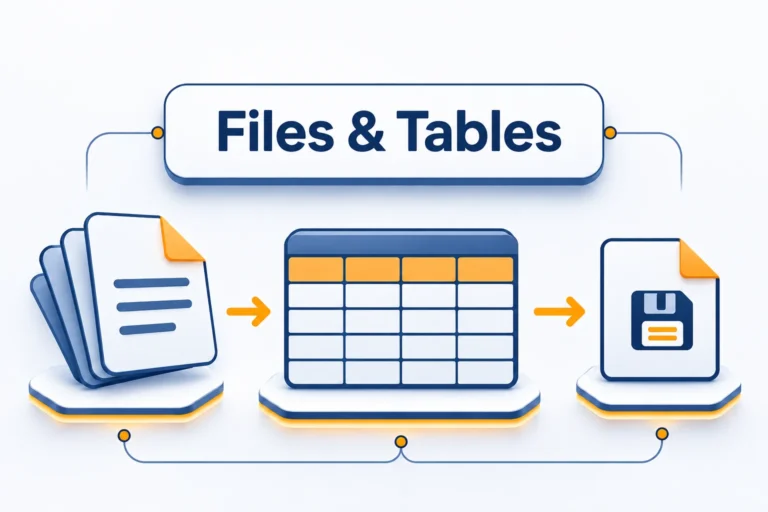
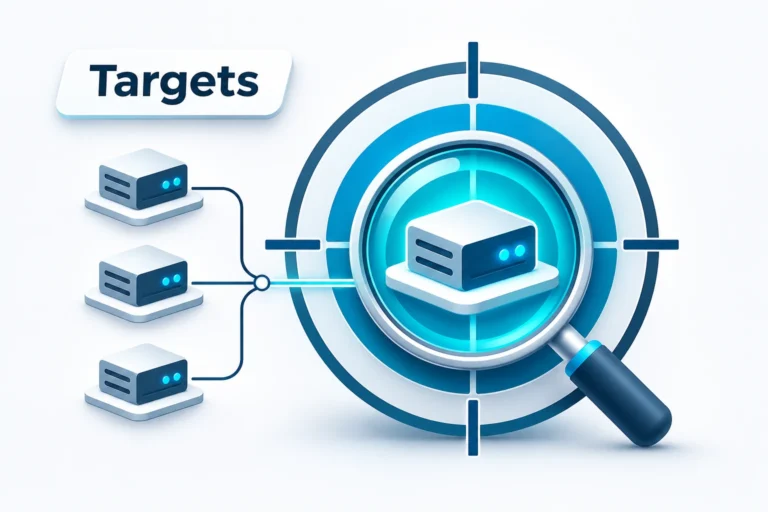
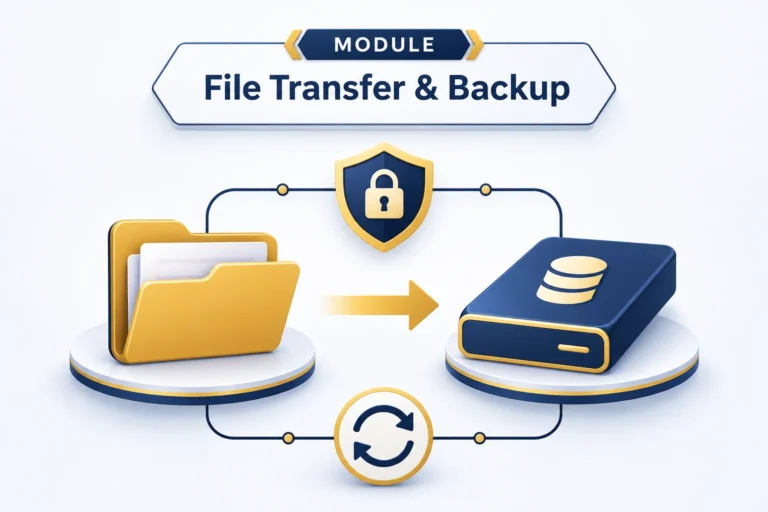
Use Action1 for its endpoint inventory and supported software/script actions; AD for read-only directory information; and 1C for reads through a compatible published HTTP service. Files & Tables handles owner-scoped reports and stored data. Target Resolution uses connected providers to establish actual identities before compatible operations.
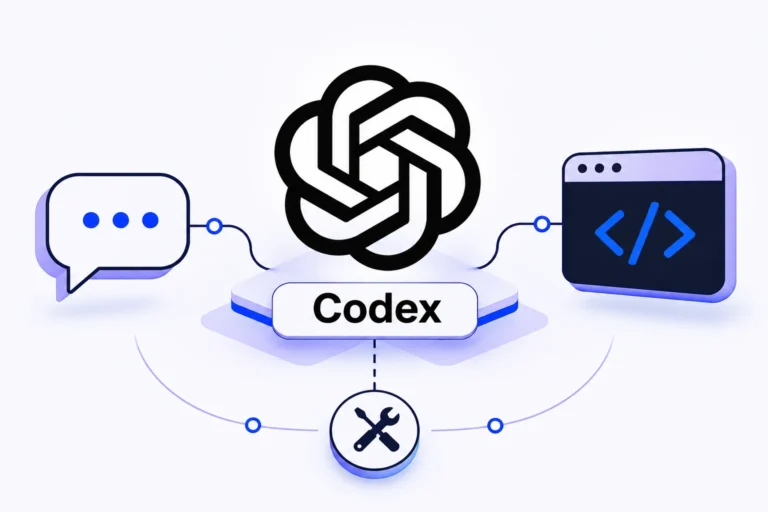
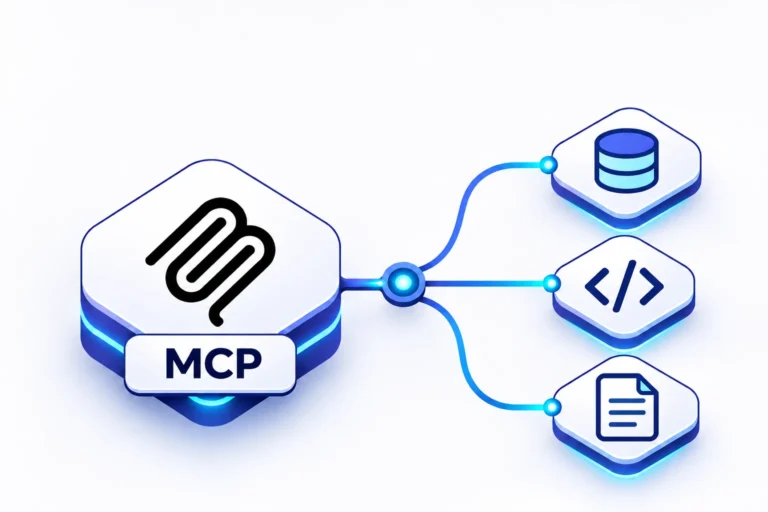
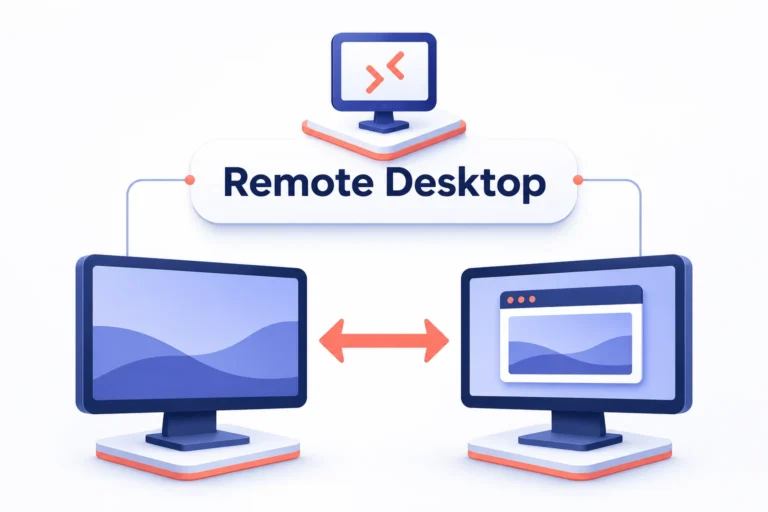
MCP Connections discovers tools from compatible external servers. Codex is an optional per-user AI integration, disabled by default. YAADMIN Agent is a separate Windows connection path which remains in development.
Understand the catalog labels#
Available describes source-verified functionality, with the limitations in the detail page. Verified package available describes distribution status in the current module catalog. A source-verified module can still have no downloadable package. Free describes the published module tier, not third-party provider billing.
In development identifies incomplete deployment/acceptance. Planned identifies roadmap topics with no verified dedicated implementation or purchase availability. Do not infer an installation procedure or Enterprise entitlement from a roadmap card.
A safe first configuration#
- Read the specific module page and confirm the provider prerequisites.
- Obtain a trusted package where one is available and use Module Manager.
- Configure provider access and inspect health/discovery.
- Assign a narrow read role and try one unambiguous request.
- Review result provenance before enabling change tools.
Module enablement, commercial rights, provider authentication and YAADMIN user permissions are separate checks. Compare editions and read the access guide when planning a team rollout.
YAADMIN NEWS & UPDATES
Useful updates. A 15% welcome discount.
Join for product updates and practical administration guides. Confirm your email to receive a personal code for one purchase of YAADMIN packages or paid modules.
Email confirmation required. One code per email, one use; can be combined with your 50% customer discount. Support and paid-module update renewals are excluded. Free modules remain free. Unsubscribe at any time.
 ADMIN