 ADMIN
Keep the task and its tools together#
Chat is where you describe a task, clarify it and receive results. Modules connect systems; settings control AI and access. Check an assistant's answer against the actual tool or external-system result.
Open tools with +
The button beside the message box opens attachments, microphone, reasoning controls and other available actions. On desktop, hover or keyboard focus opens the group; clicking pins it open. On a phone, tap it. Escape or an outside click closes the group.
Write or paste your task
Short text pastes normally. A large paste—at least 6,000 characters or 120 lines—uploads as a TXT attachment without replacing your existing draft. Check the attachment before sending. Conversations retain separate browser drafts.
Watch the status
While work is running, the interface shows its state and an available Stop action. Detailed tool calls, counts and diagnostics require a separate permission. Missing details for an ordinary user do not mean the task is not running.
Verify the result
Open the returned file, table or application. For an important change, check that it actually happened. Stop does not undo an operation already accepted by an external service.
History and repeatable tasks#
Find conversations in history and organise them into folders. Quick commands save useful prompt text; they are not a schedule that automatically executes it. Opening history after restart does not restore every old temporary approval.
Files and tables#
Files have owners. Tables support available browsing, filtering and export. See Files, tables and archives.
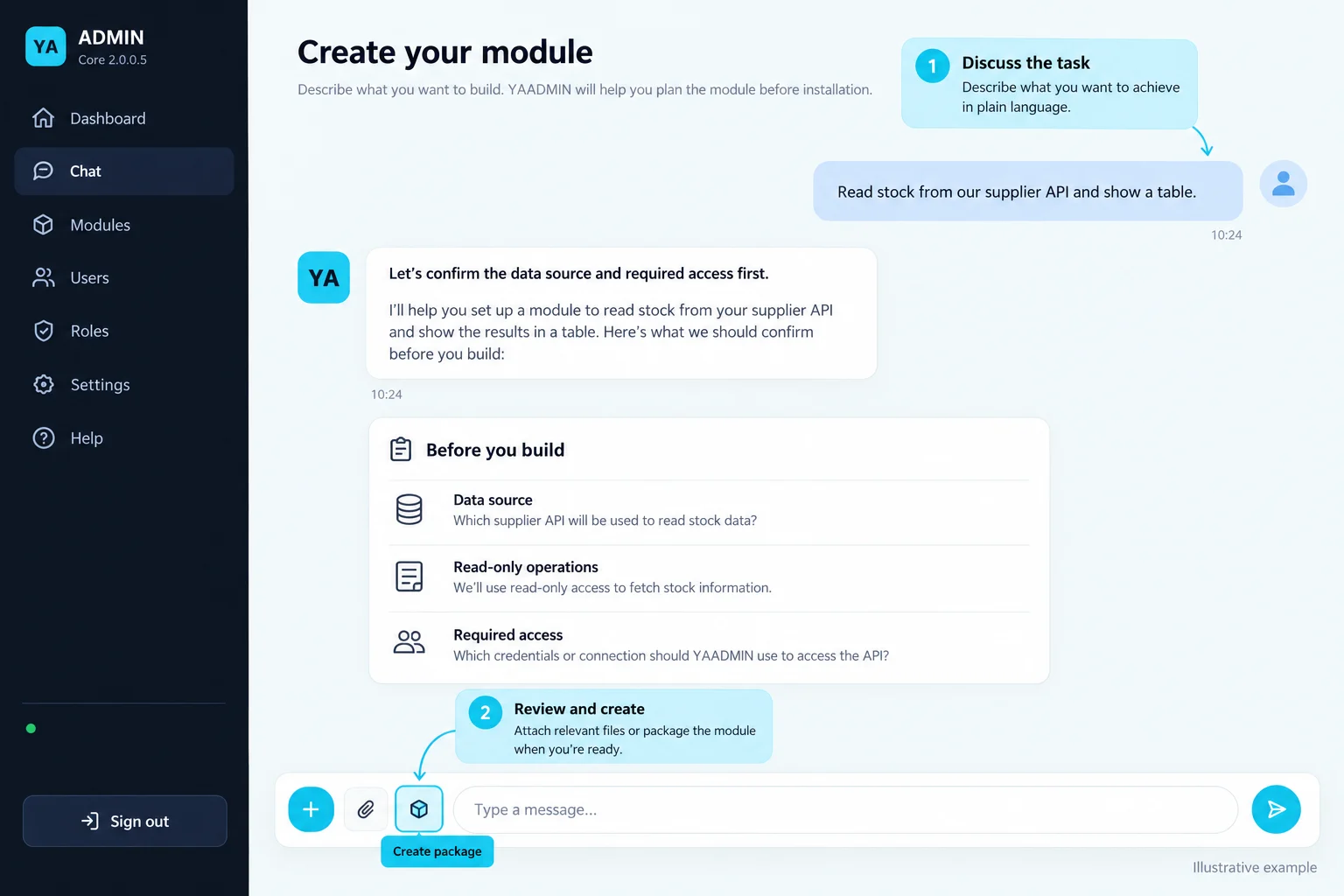
Manage modules from chat#
With the required permissions, you can ask to inspect module state or change ordinary settings and enablement. Enter new keys in the protected settings form. Internal transfer of an already-stored secret does not make chat a place to enter passwords.
Language and voice#
Speech-input language follows the chosen interface language. Microphone availability also depends on browser permission. A microphone button does not establish support for analysing arbitrary audio files.